
Proper cordless drill battery care is the key to performance, longevity, and cost savings. This guide provides simple, actionable steps for charging, storage, and maintenance that anyone can follow. Avoid common mistakes and keep your tools running strong for years.
Key Takeaways
- Charge Properly: Follow the “40-80 Rule” for daily use and avoid leaving batteries on the charger indefinitely.
- Store Correctly: Keep batteries in a cool, dry place at around 50% charge for long-term storage.
- Respect Temperature Extremes: Never charge a hot or freezing cold battery, as it causes permanent damage.
- Keep Contacts Clean: Periodically wipe the metal terminals on the battery and drill to ensure a good connection.
- Use the Right Charger: Always use the manufacturer’s recommended charger to prevent overcharging or undercharging.
- Rotate Your Batteries: If you have multiple batteries, use them evenly to prevent one from aging faster than the others.
Extend Your Cordless Drill Battery Life with Proper Care
Your cordless drill is a powerhouse of convenience. But that power is useless if the battery dies halfway through a project. A new battery can cost a significant fraction of a new tool. The good news? With a little knowledge and consistent care, you can dramatically extend your cordless drill battery’s life, saving money and frustration.
This guide will walk you through everything you need to know, from daily charging habits to long-term storage. Whether you’re a weekend DIYer or use your drill professionally, these simple practices will keep your battery—and your best cordless drill—performing at its peak for years to come.
Understanding Your Battery: The Heart of the Drill
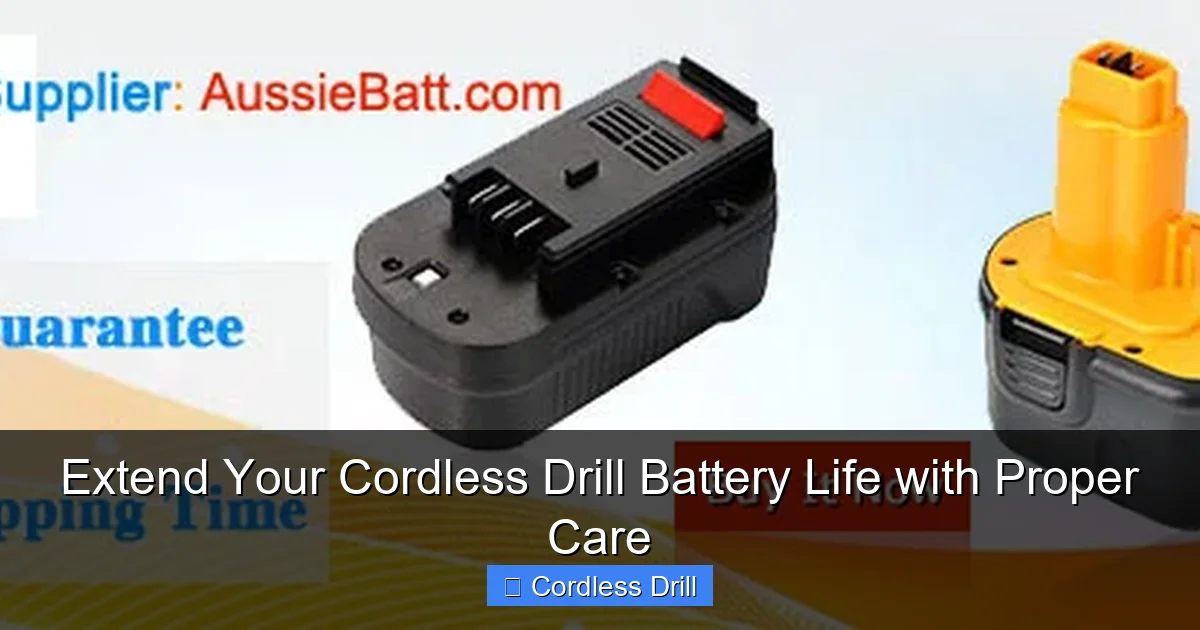
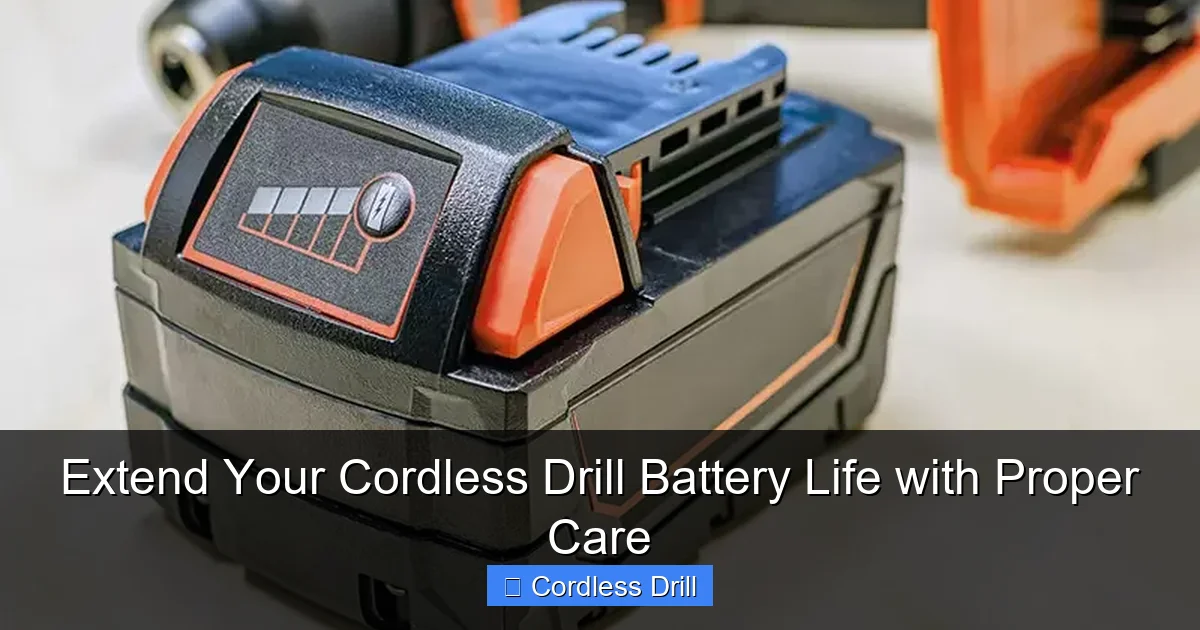
Before we dive into care, let’s understand what we’re caring for. Most modern cordless drills use Lithium-ion (Li-ion) batteries. They’re lightweight, powerful, and don’t suffer from the “memory effect” that plagued older Nickel-Cadmium (NiCd) batteries. However, Li-ion batteries have their own sensitivities, primarily to heat, cold, and voltage extremes.
Visual guide about Extend Your Cordless Drill Battery Life with Proper Care
Image source: aussiebatt.com
Every battery has a finite number of charge cycles. A “cycle” is one full 0% to 100% charge. Our goal is to make each cycle as gentle as possible and avoid stresses that prematurely age the battery cells.
Step-by-Step Guide to Cordless Drill Battery Care
Step 1: Master the Art of Charging
Charging is where most damage occurs. Doing it right is your first line of defense.

Visual guide about Extend Your Cordless Drill Battery Life with Proper Care
Image source: battaussie.com
The Golden Rule: The 40-80% Guideline
For optimal long-term health, try to keep your battery between 40% and 80% charge. Constantly draining to 0% or charging to 100% and leaving it there puts maximum stress on the cells. For daily use, taking it off the charger at 80-90% is perfectly fine.
Never Leave It on the Charger Indefinitely
Modern smart chargers usually stop charging when full, but the battery remains at 100% and often slightly warm. This constant high-voltage state accelerates cell degradation. Unplug the battery once the charger indicates it’s full.
Use the Right Charger
Always use the charger designed for your battery model. Using a faster or incompatible charger can overheat the battery, leading to reduced capacity or even a safety hazard. This is a non-negotiable rule for all your cordless drill tools.
Step 2: Implement Smart Storage Practices
How you store your battery when not in use is just as important as how you use it.
Ideal Storage Charge Level
If you won’t be using the battery for a month or more, store it at about a 50% charge. A full charge stresses the cells during storage, while a completely empty battery can fall into a “deep discharge” state from which it cannot recover.
Find the Perfect Storage Spot
Store batteries in a cool, dry place. A drawer or shelf in a climate-controlled garage or workshop is ideal. Avoid locations like:
- Direct sunlight or near heaters: Heat is a battery’s worst enemy.
- Damp basements or sheds: Moisture can corrode the metal terminals.
- The trunk of your car: Extreme temperature swings are destructive.
Step 3: Handle Temperature with Care
Temperature management is critical for safety and longevity.
Avoid Charging Extreme Temperatures
Never charge a battery that is hot to the touch from use. Let it cool to room temperature first. Similarly, never charge a battery that is below freezing (32°F/0°C). Charging in these states causes irreversible chemical damage inside the cells.
Moderate Use in Heat and Cold
Try to avoid using your drill in extreme temperatures. Very cold conditions will temporarily reduce power and can strain the battery. Very hot conditions can cause the battery to overheat during use.
Step 4: Perform Regular Maintenance
A few minutes of maintenance pays huge dividends.
Clean the Battery Terminals
Every few months, check the metal contacts on both the battery and the drill. Use a dry cloth or a cotton swab with a tiny amount of rubbing alcohol to wipe away any dirt, dust, or light corrosion. Good contact ensures efficient power transfer and prevents arcing.
Physically Inspect Your Batteries
Look for any signs of damage: cracks in the casing, bulging/swelling, or leaking. If you see any of these, stop using the battery immediately and dispose of it properly at a battery recycling center.
Practice Battery Rotation
If you own multiple batteries, use a rotation system. Label them “A” and “B” and use them alternately. This prevents one battery from bearing the brunt of all the work cycles and aging prematurely.
Step 5: Use Your Drill Wisely
How you use the tool affects the battery, too.
Match the Tool to the Task
Don’t use a compact drill for heavy, continuous work meant for a more powerful model. Forcing a small battery to deliver max power for long periods generates excessive heat. Knowing the difference between an impact driver and a hammer drill can help you choose the right tool for jobs like driving large lag bolts or drilling into masonry, saving your standard drill battery from unnecessary strain.
Let the Tool Do the Work
Apply steady, firm pressure, but don’t force the drill. If it’s struggling, you may need a sharper bit, a pilot hole, or a more powerful tool. Forcing it drains the battery faster and creates heat.
Troubleshooting Common Battery Problems
Even with great care, issues can arise. Here’s what to do.
Visual guide about Extend Your Cordless Drill Battery Life with Proper Care
Image source: bison-machinery.com
Battery Won’t Hold a Charge
Symptom: The battery drains extremely fast or the drill feels weak immediately.
Likely Cause: Natural end-of-life or damage from deep discharge/heat.
Action: Try a full recharge cycle. If it still fails, the battery is likely worn out and needs replacement.
Battery Gets Very Hot During Use or Charging
Symptom: Battery is uncomfortably hot.
Likely Cause: Overworking the tool, using the wrong charger, or a faulty battery cell.
Action: Stop immediately. Let it cool. If it happens repeatedly with normal use, the battery may be faulty. Discontinue use.
Drill is Intermittent or Cuts Out
Symptom: Power cuts in and out during use.
Likely Cause: Dirty or corroded battery terminals.
Action: Clean the terminals on the battery and drill as described in Step 4.
Conclusion: Your Battery’s Long, Healthy Life
Caring for your cordless drill battery isn’t complicated. It’s about building a few smart habits: charging mindfully, storing correctly, and handling with basic maintenance. By following the guidelines in this article—like the 40-80 rule and proper storage—you’re not just preserving a component; you’re protecting your investment in your tools.
Remember, a well-cared-for battery means reliable power for every screw you drive and every hole you drill. It saves you money on replacements and ensures your projects go smoothly from start to finish. Start implementing these tips today, and enjoy the full, long-lasting power your drill was designed to deliver.
🎥 Related Video: Tips to Make Your Batteries Last Longer — Extends Battery Life SIGNIFICANTLY!
📺 Pro Tool Reviews
Cordless tools make our lives much easier, in a number of ways, but we’ve had batteries tap out on us after just a year and others …
