
Mastering torque is the key to unlocking your cordless drill’s full potential and avoiding costly mistakes. This guide walks you through everything from understanding Newton-meters and inch-pounds to setting the perfect clutch for any task. You’ll learn to drive screws flush, drill clean holes, and tackle any material with confidence.
Key Takeaways
- Torque is Twisting Force: It’s the rotational power that drives screws and bores holes, measured in units like Newton-meters (Nm) or Inch-Pounds (in-lbs).
- The Clutch is Your Control: The numbered collar on your drill is a adjustable clutch that stops the drill at a set torque, preventing damage to screws, materials, and your wrists.
- Start Low, Test, and Adjust: Always begin with a low torque setting on a scrap piece. Gradually increase until you achieve the desired result without stripping or over-driving.
- Drill Mode = Max Power: Use the drill icon setting for drilling holes or when you need maximum torque without any automatic shut-off from the clutch.
- Material Dictates the Setting: Softer materials (pine, drywall) need lower torque. Harder materials (hardwood, metal) require higher settings to drive the fastener effectively.
- Bit Type & Size Matter: A worn Phillips bit is more likely to cam-out and strip a screw head. Always use sharp, high-quality bits that match the screw head perfectly.
- Proper Technique is Essential: Keep the drill straight, apply firm pressure, and let the tool do the work. This ensures efficient torque transfer and cleaner results.
Unlock Power: Your Cordless Drill Torque Guide Explained
Does your cordless drill seem to have a mind of its own? Do you strip screw heads or sink them too deep? The problem isn’t your skill—it’s likely your torque setting. Think of torque as the muscle behind the spin. Too little, and your drill gives up. Too much, and you cause damage. This guide will transform you from a frustrated DIYer into a confident operator. You’ll learn exactly what torque is, how to set it, and how to use it for every job around the house. Let’s unlock the true power of your tool.
Part 1: Understanding Cordless Drill Torque
Before you touch the settings, you need to know what you’re controlling.
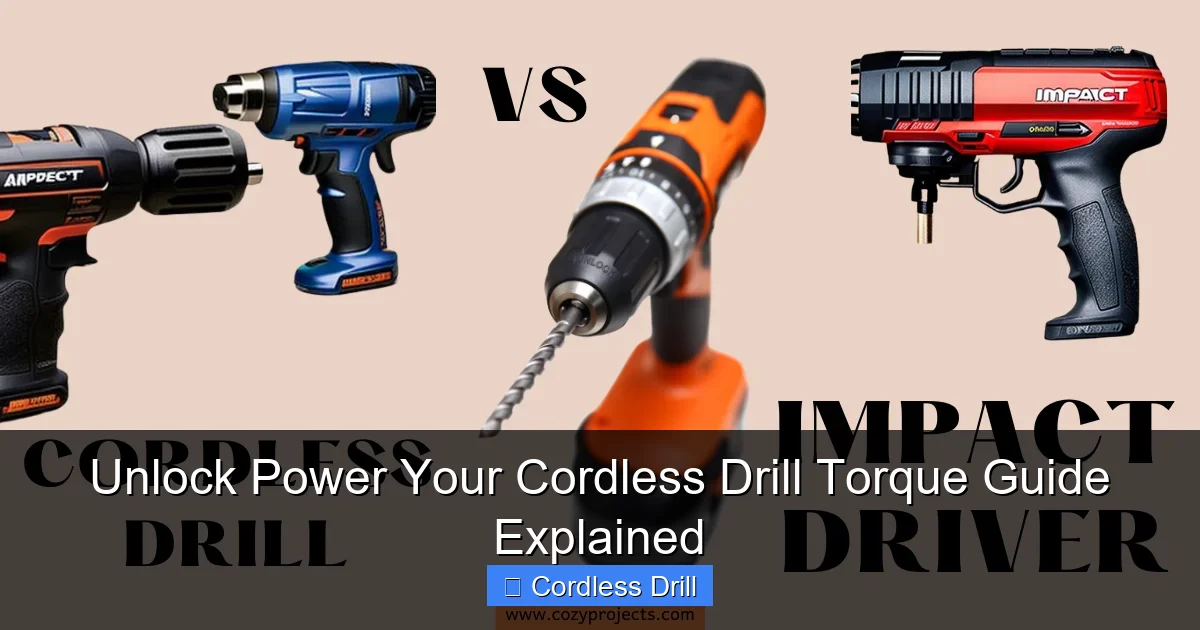
Visual guide about Unlock Power Your Cordless Drill Torque Guide Explained
Image source: i0.wp.com
What is Torque, Really?
Torque is simply a twisting force. Imagine using a wrench to turn a bolt. The force you apply to the wrench handle, multiplied by its length, creates torque. In your cordless drill, the motor creates this force, which then spins the chuck and your drill bit or driver bit. It’s this force that lets you drive screws into a wall or bore a hole through a stud.
Decoding the Numbers: Nm, in-lbs, and the Clutch
Look at your drill. You’ll see two key things: specs on the body and a numbered collar near the chuck.
- Max Torque Spec (e.g., 50 Nm): This number, usually on the battery or motor housing, tells you the maximum twisting force the drill can produce. A higher number means more power for tough jobs.
- The Adjustable Clutch (Numbered Collar): This is your precision control. It doesn’t make the drill weaker or stronger. Instead, it acts like a safety cut-off. When the drill meets a certain resistance (torque), the clutch disengages, causing a clicking sound and stopping the drive action. This prevents over-tightening.
Drill Mode vs. Driver Mode: The Critical Difference
- Drill Mode (Drill Bit Icon): This setting bypasses the clutch entirely. The drill delivers full, continuous power from the motor. Use only for drilling holes.
- Driver Mode (Numbered Settings & Screw Icon): This engages the adjustable clutch. Use this for all screw-driving tasks. The higher the number, the more torque is allowed before the clutch clicks off.
Confused about other drill types? Learn about the key differences between an impact driver and a hammer drill to expand your knowledge.
Part 2: Your Step-by-Step Torque Setting Guide
Now, let’s put this knowledge into action. Follow these steps every time you pick up your drill.
Visual guide about Unlock Power Your Cordless Drill Torque Guide Explained
Image source: i.ytimg.com
Step 1: Identify Your Task and Material
Ask yourself: Am I drilling a hole or driving a screw?
- Drilling: Go straight to Drill Mode (drill bit icon). Torque setting is irrelevant here.
- Driving a Screw: Stay in Driver Mode. Now, consider the material:
- Soft Materials: Drywall, pine, plywood, particle board.
- Hard Materials: Oak, maple, metal, dense hardwoods.
Step 2: Select the Initial Clutch Setting
This is where the “guess and test” method starts smart.
- General Rule: Start much lower than you think. A setting of 4-6 is a great safe starting point for most small to medium screws.
- For Delicate Work: (Assembling a toy, fixing eyeglasses): Start at 1-3.
- For Heavy-Duty Work: (Building a deck, lag bolts): You might start around 10-12, but still test first!
Step 3: The Essential Test on Scrap Material
Never skip this step. Find a piece of the same material you’re working with.
- Insert the correct driver bit.
- Place the screw on your scrap.
- Pull the trigger and drive the screw.
- Observe:
- Did the clutch click and stop before the screw was flush? Increase the clutch number by 1 or 2.
- Did the screw drive too deep or strip the head? Decrease the clutch number by 1 or 2.
- Repeat until the screw drives flush and snug without stripping. That’s your perfect setting.
Step 4: Execute Your Project with Confidence
With your setting locked in, proceed with your actual work. Remember good technique: keep the drill straight, apply steady pressure, and let the tool do the work. If you’re tackling a large project, like hanging shelves, our guide on how to use a drill for screws into a wall offers fantastic complementary tips.
Part 3: Practical Applications & Torque Settings Examples
Let’s apply the system to real-world scenarios.
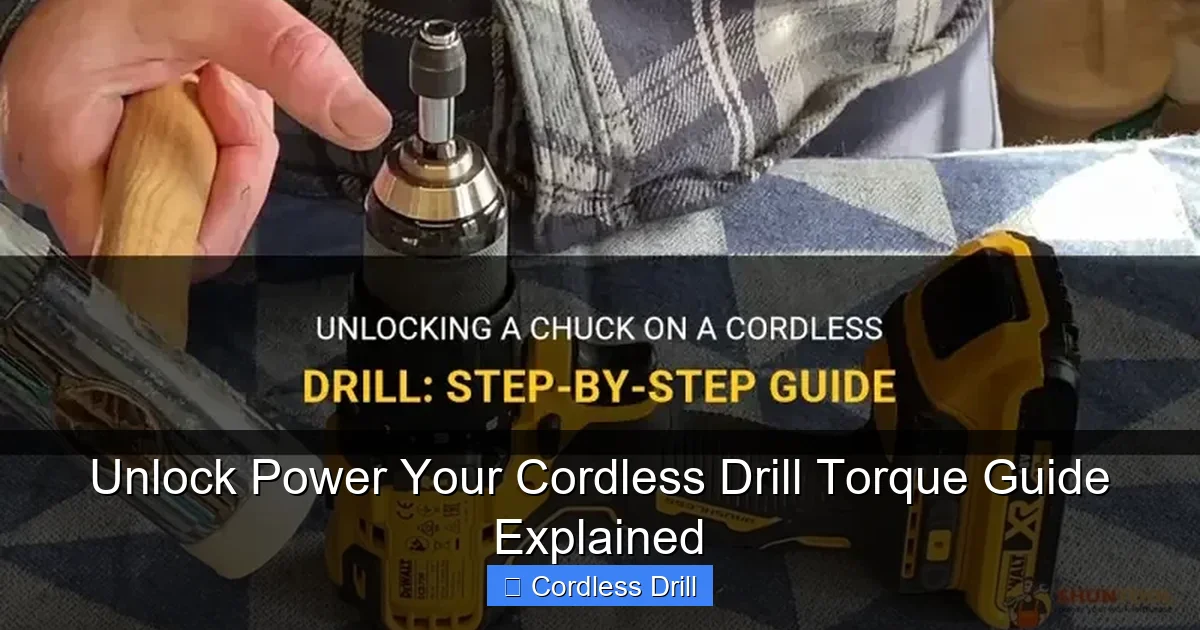
Visual guide about Unlock Power Your Cordless Drill Torque Guide Explained
Image source: shuntool.com
Example 1: Assembling Furniture (Particle Board)
Material: Soft, brittle particle board. Goal: Tight joint without stripping.
Process: Start at setting 3. Test. The screw will likely stop short. Move to 4, then 5. You’ll likely find the sweet spot between 5-7. The clutch will prevent you from destroying the pre-drilled holes.
Example 2: Hanging a Drywall Anchor
Material: Soft drywall, then potentially hitting a wood stud.
Process: For drilling the pilot hole, use Drill Mode. For driving the anchor and screw, start in Driver Mode around 5. The goal is to seat the anchor and screw firmly without spinning the anchor uselessly inside the wall.
Example 3: Building a Pinewood Deck Frame
Material: Softwood (pine) but large, structural screws.
Process: This needs higher torque. Start around 10 on a scrap 2×4. You may end up in the 15-18 range (or higher on a powerful drill) to sink a 3-inch deck screw properly. The clutch ensures you don’t over-torque and snap the screw head off.
Part 4: Troubleshooting Common Torque Problems
Even with the right setting, things can go wrong. Here’s how to fix them.
Problem: The Screw Strips Out Every Time
- Check Your Bit: A worn or incorrect bit is the #1 cause. Ensure it’s a perfect fit and in good condition.
- Reduce Torque: Your setting is too high. Lower the clutch number.
- Pilot Hole: For hardwoods or large screws, you may need to drill a pilot hole first (in Drill Mode).
Problem: The Clutch Clicks Immediately
- Increase Torque: The setting is too low. Turn the clutch to a higher number.
- Check for Obstructions: Is the screw hitting a knot or metal? You may need to pre-drill.
- Battery Power: A nearly dead battery can’t provide enough power. Swap in a fresh one.
Problem: Screw Won’t Go Flush, Drill Seems to Strain
You are likely in too high of a clutch setting, and the drill is laboring instead of clicking off. Lower the setting and let the clutch do its job. Alternatively, switch to an impact driver for high-resistance tasks, as it delivers bursts of rotational force better suited for this.
Conclusion: Torque Mastery is in Your Hands
You’ve now unlocked the secret to professional-looking results with your cordless drill. Remember, torque isn’t about brute force—it’s about controlled, precise power. By understanding the clutch, starting low, and testing on scrap, you eliminate guesswork and prevent damage. Your drill is no longer a simple spinning tool; it’s a precision instrument. Whether you’re assembling a bookcase or framing a shed, you have the knowledge to match the power to the task perfectly. Now, go forth and drive with confidence! For more insights on choosing the right tool for your kit, explore our selection of the best cordless drills available.
