
Extending your cordless drill’s battery life saves money and frustration. This guide provides actionable tips on proper charging habits, ideal storage conditions, and smart usage to get the most cycles from your batteries. Following these best practices ensures your tool is always ready for the job.
Nothing kills a DIY project’s momentum faster than a dead cordless drill battery. That sinking feeling when the trigger pulls and nothing happens is all too common. But what if you could delay that moment for years? The lifespan of your cordless drill battery isn’t just luck. It’s a direct result of how you treat it.
This guide will walk you through everything you need to know. We’ll cover the science in simple terms and give you practical, step-by-step habits. Your goal is to maximize the number of charge cycles you get from each battery. This saves you money, reduces waste, and, most importantly, keeps your projects on track. Let’s dive in and unlock the full potential of your power tools.
Key Takeaways
- Master the 40-80 Rule: For daily use, avoid full discharges and don’t always charge to 100%. Keeping your battery between 40% and 80% charge reduces long-term stress on the cells.
- Temperature is a Silent Killer: Never charge a hot battery or leave it in extreme hot/cold conditions. Store and charge Li-ion batteries at room temperature for maximum lifespan.
- Use the Right Charger: Always use the manufacturer’s charger or a certified compatible one. Smart chargers that manage voltage and temperature are essential for battery health.
- Store Batteries Partially Charged: For long-term storage (over 30 days), charge your lithium-ion battery to about 50-60% and store it in a cool, dry place away from metal objects.
- Practice Battery Rotation: If you have multiple batteries, rotate their use. This prevents one battery from bearing the brunt of all the workload and aging faster than the others.
- Match the Tool to the Task: Avoid using a small, low-voltage drill for heavy-duty tasks that strain the battery. Using the correct tool for the job, like an impact driver for driving screws or a hammer drill for masonry, prevents unnecessary battery drain.
Understanding Your Cordless Drill Battery
Before we can extend its life, we need to know what we’re working with. Most modern cordless drills use Lithium-ion (Li-ion) batteries. They are lighter, more powerful, and have less “memory effect” than old NiCd batteries. But they have their own rules for care.
A battery’s lifespan is measured in charge cycles. One cycle is a full 100% discharge followed by a full 100% charge. However, partial discharges count, too. Two 50% discharges equal one full cycle. Your battery has a finite number of these cycles before its capacity starts to fade. Our job is to make each cycle as gentle as possible.
Step 1: Adopt Smart Charging Habits
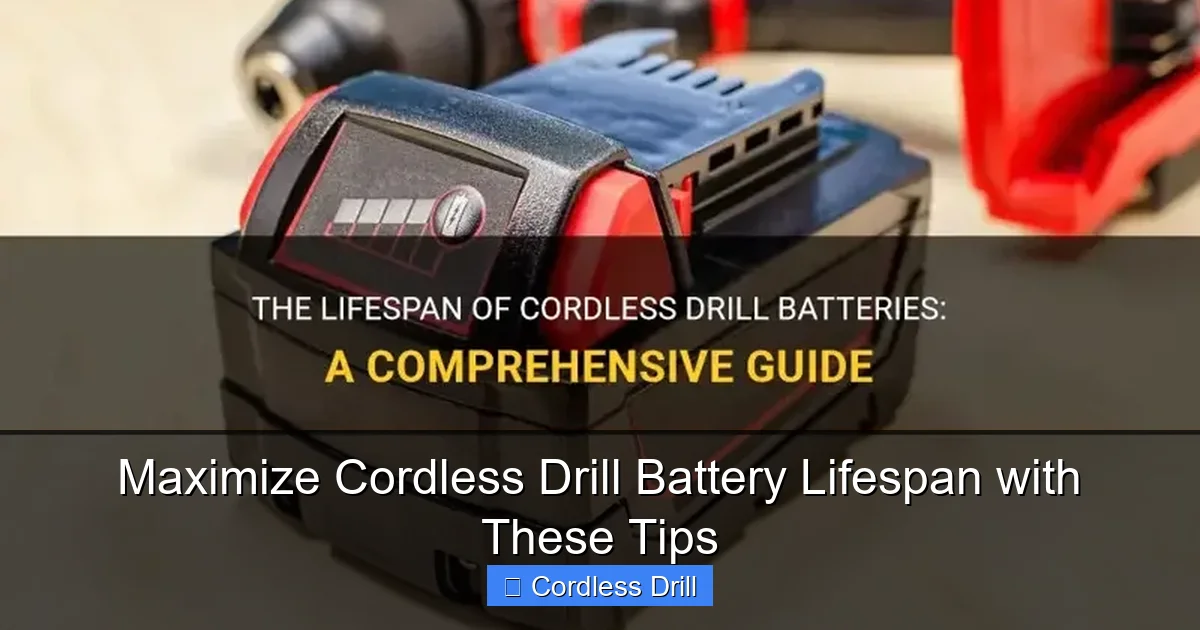
How you charge your battery is the single biggest factor in its long-term health. Ditch the old “drain it dead, then charge it full” mentality.
Visual guide about Maximize Cordless Drill Battery Lifespan with These Tips
Image source: shuntool.com
Follow the 40-80 Rule (When Possible)
For daily or weekly use, try to keep your battery charge between 40% and 80%. Constantly sitting at 100% charge or draining to 0% puts significant chemical stress on the lithium-ion cells. Think of it like a rubber band. Keeping it stretched all the time (100% charge) or completely slack (0% charge) degrades it faster than keeping it at a gentle tension.
Practical Tip: If you’re doing a big project, it’s okay to charge to 100% and use it down. But for everyday use, plug it in when the indicator shows one bar left and unplug it before the final “full” light comes on.
Never Charge a Hot Battery
Heat is the enemy of lithium-ion batteries. If your battery is warm or hot from use, let it cool down to room temperature before putting it on the charger. Charging generates its own heat, and combining that with an already hot battery accelerates cell degradation.
Use the Correct Charger
Always use the charger that came with your drill or a manufacturer-approved replacement. Modern chargers are “smart.” They communicate with the battery to deliver the correct voltage and current. They also have temperature sensors and timers to prevent overcharging. Using a generic, non-smart charger can damage your battery permanently.
Step 2: Master Battery Storage
How you store your battery when it’s not in use is just as important as how you use it. Improper storage can ruin a battery in a single season.
Visual guide about Maximize Cordless Drill Battery Lifespan with These Tips
Image source: aussiebatt.com
Find the Ideal Storage Charge Level
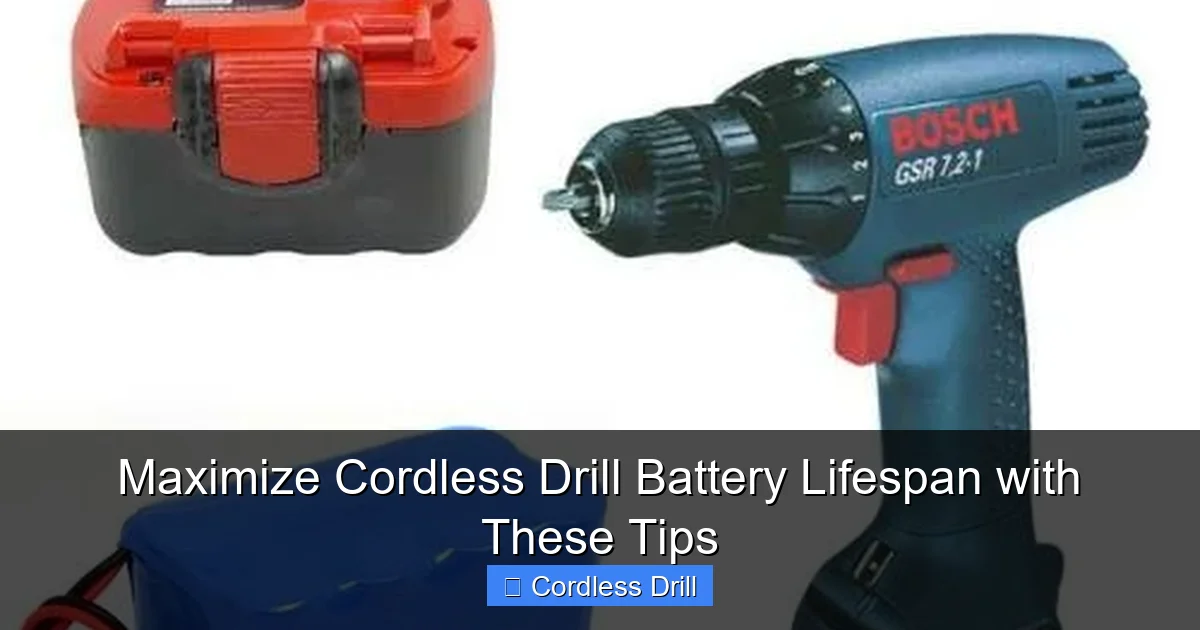
If you won’t be using the battery for more than a month (e.g., seasonal storage), do not store it fully charged or completely dead. The ideal long-term storage charge for a Li-ion battery is about 50-60%. At this mid-level charge, the chemical state of the cells is most stable.
Control the Storage Environment
Store your batteries in a cool, dry place. A closet shelf or a toolbox in your climate-controlled house is perfect. Avoid these locations at all costs:
- The garage in summer/winter: Extreme heat and freezing cold are devastating.
- A damp basement: Moisture can cause corrosion on the contacts.
- The trunk of your car: Temperature swings and vibrations are a bad combination.
Practical Tip: Store batteries in a case or on a shelf, not loose in a tool bag where terminals can short against metal objects like wrenches or other tools.
Step 3: Use Your Drill Wisely to Preserve Battery Life
Your actions during a job have a direct impact on how hard the battery has to work. Working smarter reduces strain.
Visual guide about Maximize Cordless Drill Battery Lifespan with These Tips
Image source: toolsadvisers.com
Let the Tool Do the Work
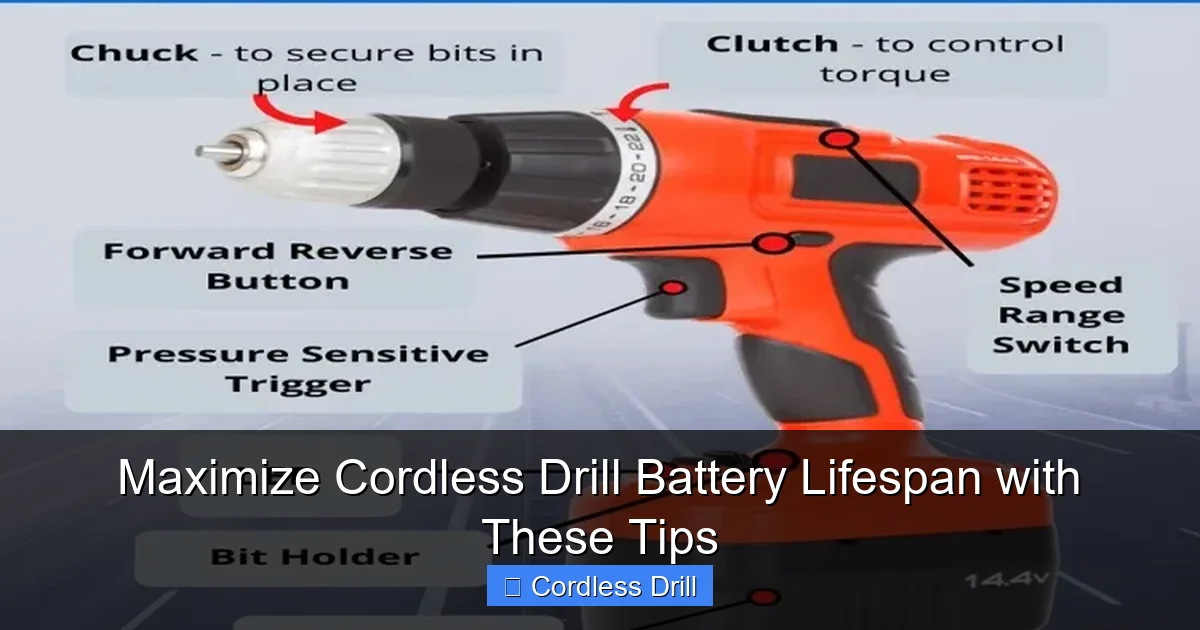
Don’t lean into the drill with excessive force. Apply steady, moderate pressure and let the drill’s torque and speed do the cutting or driving. Pushing too hard causes the motor to draw more amps (current), which drains the battery faster and heats it up.
Choose the Right Tool and Accessories
Using a dull drill bit or the wrong screwdriver bit creates massive resistance. This forces your drill to work harder, draining the battery rapidly. Always use sharp bits. Also, make sure you’re using the correct tool for the task. For example, using a regular drill to mix thick paint or drill large holes in hardwood will drain a battery much faster than using a more powerful tool designed for that load.
Understanding your tool’s purpose is key. If you’re frequently driving long screws, an impact driver is a more efficient choice and will be kinder to your drill’s battery for those specific tasks.
Practice Battery Rotation
If you own multiple batteries of the same type, rotate them. Use Battery A until it’s at 40-50%, then switch to Battery B. This spreads the wear across all your batteries, so they age at a similar rate. It prevents one battery from going through hundreds of cycles while the others sit idle.
Step 4: Perform Regular Maintenance and Cleaning
A little preventative care goes a long way in ensuring good electrical contact and preventing damage.
Keep the Contacts Clean
Every few months, check the metal charging contacts on both the battery and the charger. If you see dirt, grime, or light corrosion, gently clean them with a dry cloth or a cotton swab dipped in a small amount of rubbing alcohol. Let them dry completely before use. Clean contacts ensure efficient charging and power delivery.
Perform Visual and Physical Inspections
Look for any warning signs of a failing battery:
- Bulging or Swelling: This is a serious safety hazard. Stop using the battery immediately and recycle it properly.
- Cracks in the Casing: Can allow moisture and dirt inside.
- Battery Won’t Hold a Charge: If it drains extremely fast under light use, it’s likely reaching the end of its life.
Troubleshooting Common Battery Issues
Even with great care, you might face problems. Here’s how to diagnose them.
Problem: Battery dies very quickly after a full charge.
Solution: This is typically a sign of aged cells. Try a full maintenance discharge and recharge cycle (let the drill run until it stops, then charge it fully). If performance doesn’t improve, the battery is likely at the end of its usable life.
Problem: Battery gets extremely hot during use or charging.
Solution: Stop using it immediately. Let it cool down completely in a safe, non-flammable area. If it consistently overheats, the internal management circuit may be faulty. This is a safety risk; consider replacing the battery.
Problem: Drill runs sluggishly even with a “full” battery.
Solution: Clean the battery and tool contacts first. Ensure you are using the correct technique and accessories, as covered in the usage section. For instance, if you’re trying to drill into a wall, make sure you know the proper method for using a drill for screws in a wall to avoid unnecessary strain. If the problem persists, test with another battery to see if the issue is with the tool or the battery.
Conclusion: Your Battery, Your Responsibility
Maximizing your cordless drill battery lifespan isn’t about one magic trick. It’s about building a set of good habits. Remember the core principles: charge smartly (40-80 rule, cool battery), store correctly (50% charge, cool and dry), and use wisely (right tool, sharp bits, rotate batteries).
By following this guide, you’re not just saving money on replacement batteries. You’re reducing electronic waste, ensuring your tool is reliable when you need it most, and getting the full value from your investment. Whether you’re a weekend DIYer or a professional, these tips will help you drill further, for longer. Now, go put those charged batteries to good use!
