
Extending your cordless drill’s battery life hinges on proper charging habits. This guide will teach you the best practices for charging, storing, and maintaining your drill batteries to avoid common pitfalls like memory effect and overheating. Follow these tips to ensure your tool is always ready for your next project and to get the most value from your investment.
Key Takeaways
- Use the Right Charger: Always pair your battery with the manufacturer’s recommended charger. Using an incompatible charger can damage the battery or pose a safety risk.
- Avoid Full Discharges: Unlike old batteries, modern lithium-ion cells prefer partial discharges. Avoid running them down to 0% regularly for longer life.
- Mind the Temperature: Never charge a battery that is extremely hot or cold. The ideal charging temperature is room temperature (around 68°F / 20°C).
- Don’t Leave It on the Charger: Once the battery is fully charged, remove it from the charger. Continuous trickle charging can stress the battery over time.
- Store Batteries Partially Charged: For long-term storage (over a month), charge your lithium-ion batteries to about 40-60% and keep them in a cool, dry place.
- Keep Contacts Clean: Periodically wipe the battery and charger terminals with a dry cloth to ensure a good connection for efficient charging.
- Understand Your Battery Type: Know if you have Li-ion, Ni-Cd, or another type, as each has slightly different optimal care routines.
Master Cordless Drill Charging Tips for Longer Battery Life
Your cordless drill is only as good as its battery. A dead battery can bring any project to a screeching halt. Yet, many of us treat our drill batteries like an afterthought, plopping them on the charger without a second thought. What if you could double the useful life of those expensive battery packs just by changing a few simple habits?
This guide is your roadmap to becoming a battery care expert. We will walk you through everything from understanding the science inside your battery pack to daily charging routines and long-term storage secrets. You will learn not just what to do, but why it matters. By the end, you will have the knowledge to keep your drill—whether it’s a model from our list of the best cordless drills or a trusted old companion—powered up and ready for action for years to come. Let’s dive in and unlock the full potential of your tools.
Understanding Your Battery: The Foundation of Good Care
Before we talk about charging, you need to know what you’re charging. Not all drill batteries are created equal. The type of battery chemistry dictates its personality, its strengths, and its needs.
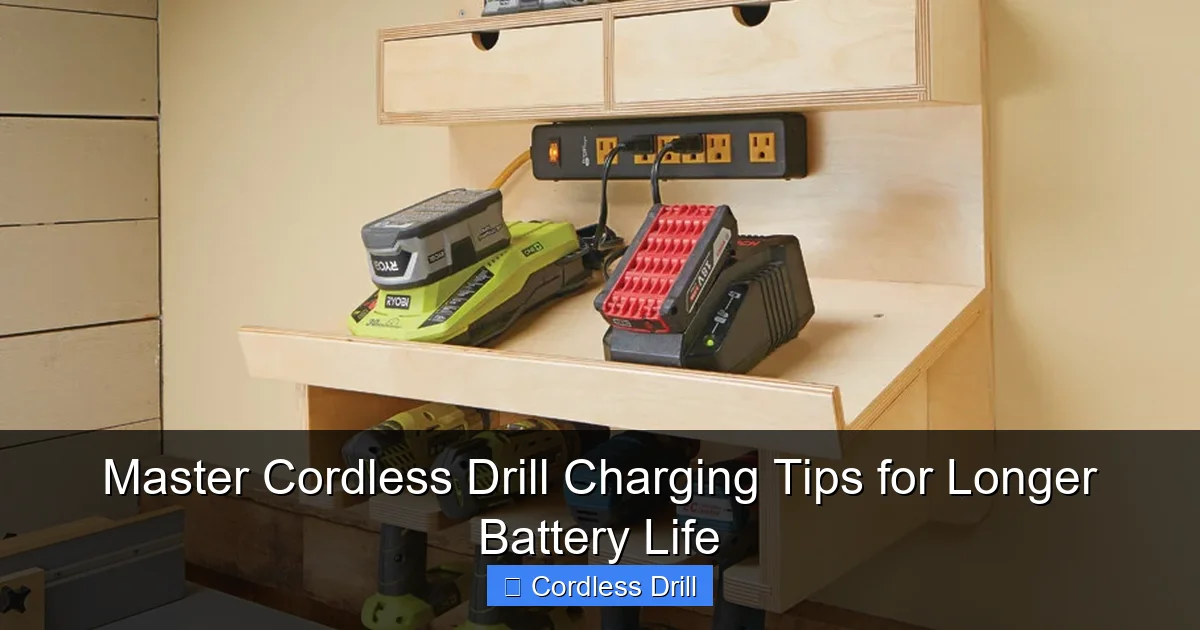
Visual guide about Master Cordless Drill Charging Tips for Longer Battery Life
Image source: images.ctfassets.net
Lithium-Ion (Li-ion): The Modern Standard
This is what you’ll find in almost all new cordless drills. Li-ion batteries are light, powerful, and have a high energy density. They have no “memory effect,” meaning you don’t need to fully discharge them before recharging. In fact, they prefer partial discharges. Their main enemies are extreme heat and being stored at 0% or 100% charge for long periods.
Nickel-Cadmium (Ni-Cd): The Old Reliable
Older tools often use these. They are durable and can handle abuse but are heavier and suffer from the “memory effect.” If you repeatedly recharge a Ni-Cd battery after only partial use, it can “forget” its full capacity. They also contain toxic cadmium, requiring proper disposal.
Nickel-Metal Hydride (Ni-MH): The Middle Ground
An improvement over Ni-Cd, these are less prone to memory effect and are more environmentally friendly. However, they self-discharge faster than Li-ion when sitting on a shelf.
The Bottom Line: For modern Li-ion batteries (which this guide focuses on), the rules are all about avoiding stress from temperature extremes and charge extremes. Knowing this helps the following tips make perfect sense.
The Golden Rules of Cordless Drill Charging
These are the non-negotiable habits that will form the backbone of your battery care routine. Treat these as your commandments.
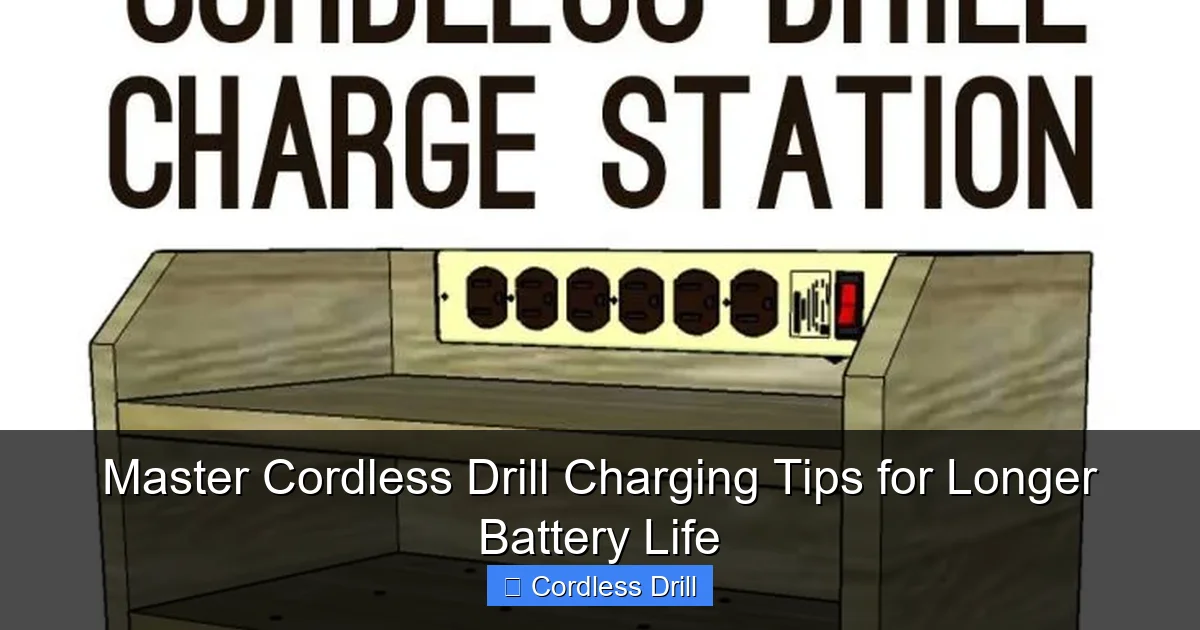
Visual guide about Master Cordless Drill Charging Tips for Longer Battery Life
Image source: hertoolbelt.com
Rule 1: Use the Manufacturer’s Charger
It might be tempting to use a generic or different-brand charger that fits. Don’t. Manufacturers design their chargers and batteries to communicate. The charger delivers the correct voltage and charging algorithm (trickle, fast, maintenance) for that specific battery. Using the wrong one can lead to undercharging, overcharging, overheating, or even a fire hazard.
Rule 2: Charge at Room Temperature
Temperature is a battery’s biggest foe. Never charge a battery that is freezing cold or scorching hot. If your drill has been in a cold truck overnight, bring it inside for a few hours before charging. If you’ve just finished a heavy-duty task like driving screws into a wall, let the battery cool down. Charging outside the ideal range of 50°F to 86°F (10°C to 30°C) can cause permanent chemical damage and reduce capacity.
Rule 3: Avoid the “0% to 100%” Mentality
For Li-ion batteries, the sweet spot is between 20% and 80%. Frequently draining to 0% puts immense strain on the cells. Similarly, keeping it constantly at 100%,
especially on the charger, creates internal stress. It’s better to do partial top-ups throughout your workday than one deep cycle.
Rule 4: Remove the Battery After a Full Charge
Modern smart chargers usually stop charging when full, but leaving the battery seated keeps it at 100% and occasionally “trickle” charges to maintain it. For long-term health, take it off once the indicator shows a complete charge.
Step-by-Step: The Optimal Charging Routine
Follow this simple process every time you charge to build flawless habits.
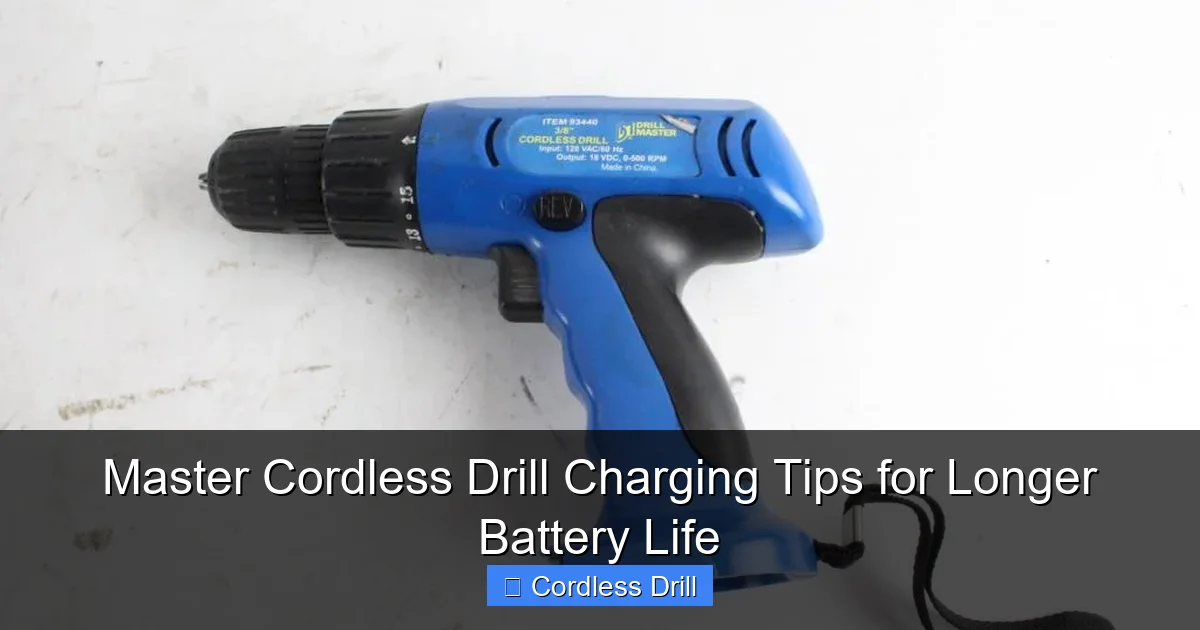
Visual guide about Master Cordless Drill Charging Tips for Longer Battery Life
Image source: content.propertyroom.com
Step 1: Inspection and Preparation
Before you even plug in the charger, take a moment. Wipe off any dust or debris from the battery terminals and the charger contacts with a clean, dry cloth. Ensure the charging area is dry, stable, and away from flammable materials. This is a great time for a general tool check, similar to the safety checks you’d do before using a ladder.
Step 2: Connect and Monitor
Insert the battery firmly into the charger. Plug the charger into a properly grounded outlet. Listen and watch. A normal charger will have a fan or light indicator. If you hear unusual noises or see excessive heat/smoke, unplug immediately.
Step 3: The Waiting Game
Let the charger do its job. Avoid charging in direct sunlight or on a hot workbench. If you have a fast charger, remember it generates more heat. Using a standard charger occasionally can be gentler on the battery’s lifespan.
Step 4: Prompt Removal and Storage
As soon as the charge cycle is complete, remove the battery. If you’re not using it right away, store it in a cool, dry place. Do not store it on the charger.
Long-Term Storage and Maintenance Tips
Not using your drill for a few weeks or months? Proper storage is critical.
For Li-ion batteries, the ideal storage charge is around 40-60%. A half-charged battery is in the most stable state chemically. Store it in a climate-controlled environment—not in a damp basement or a hot attic. Check stored batteries every few months and give them a small top-up if they’ve self-discharged significantly.
For other tool maintenance, like ensuring your workspace is safe, you can apply the same diligent mindset outlined in our guide on best practices for using a mobile ladder.
Troubleshooting Common Charging Issues
What do you do when things go wrong?
- Battery Won’t Charge: Check for dirty terminals. Ensure the battery isn’t in a temperature protection mode (too hot/cold). Try a different outlet. If multiple batteries won’t charge, the charger may be faulty.
- Battery Drains Too Fast: This is often a sign of aged cells, but extreme heat or cold during use can also cause temporary rapid drain. If it’s a sudden change, the battery may be failing.
- Charger Light Blinking/Error Code: Consult your manual. This often indicates an incompatible battery, a fault, or a temperature problem.
- Battery Gets Very Hot While Charging: Some warmth is normal, especially with fast chargers. Excessive heat is a warning. Unplug it, let it cool in a safe area, and try again later with a standard charger if possible.
Conclusion: Power Up Your Knowledge
Caring for your cordless drill battery isn’t about complex rituals. It’s about consistent, smart habits. By using the right charger, respecting temperature limits, avoiding full discharge cycles, and storing batteries properly, you directly invest in the longevity and reliability of your tools. This knowledge saves you money on replacement batteries and frustrating project delays. Your drill is a powerful ally for DIY tasks and professional jobs. Now, you have the power to ensure its heart—the battery—stays strong for the long haul. Put these tips into practice, and enjoy the confidence of a drill that’s always ready when you are.
