
Avoiding common cordless drill mistakes saves time, money, and frustration. This guide identifies frequent errors in using the wrong drill mode, forcing the tool, and improper battery care that lead to poor results and damaged equipment. You’ll learn simple, actionable fixes to ensure every drilling and driving task is a success.
So, you got a shiny new cordless drill. You’re ready to tackle that shelf, assemble that furniture, or finally hang those pictures. But then things go wrong. The screw head strips. The drill bit snaps. The battery dies after 5 minutes. Sound familiar?
You’re not alone. Most cordless drill problems aren’t the tool’s fault. They’re user errors—common mistakes that are easy to make and even easier to fix.
This guide is your fix-it manual. We’ll walk through the most frequent blunders DIYers and pros make with their cordless drills. More importantly, you’ll learn exactly how to stop making them. Let’s turn those frustrating fails into flawless finishes.
Key Takeaways
- Match the Tool to the Task: Using a drill as an impact driver or hammer drill for the wrong material will break bits and strain your tool. Know the difference.
- Battery Care is Critical: Avoid full drains and extreme heat. Proper charging and storage are the secrets to long battery life.
- Let the Tool Do the Work: Applying excessive pressure bends bits and strains motors. Use a sharp bit and the correct speed setting instead.
- Clutch Settings Are Your Friend: The adjustable clutch prevents over-driving screws and stripping heads, especially in delicate materials.
- Prep Your Workpiece: Always use a center punch and pilot holes for hard materials and metal. This prevents dangerous bit walking and ensures clean, accurate holes.
- Bit Quality Matters: A cheap, dull bit requires more force, creates heat, and leads to breakage. Invest in good bits for the material you’re working with.
- Secure Everything: A loose workpiece or an un-chucked bit is a major safety hazard and causes poor results. Always clamp your work and tighten the chuck firmly.
Mistake #1: Using the Wrong Tool for the Job
Not all cordless tools are created equal. Grabbing your standard drill for every task is a recipe for frustration.
The Drill Driver vs. The Impact Driver
Your standard cordless drill is great for drilling holes and driving smaller screws. But when you’re driving long screws into dense wood or lag bolts, you need more torque. That’s where an impact driver shines. It delivers sudden, rotational bursts of force (impacts) that prevent cam-out and make tough jobs easy. Forcing a regular drill on these tasks will strain the motor, burn out the battery, and likely strip the screw head. If you’re often building decks or framing, learning the difference between an impact driver and a hammer drill is your next step.
Hammer Drill Mode Misuse
That little switch with the drill/hammer icon? It’s not a “more power” setting. Hammer mode is only for drilling into masonry, brick, or concrete. It pulses the bit forward as it spins, chipping away the hard material. Using hammer mode on wood or metal will destroy your bit, make a terrible racket, and potentially damage your drill. For a deeper dive, check out our articles on the difference between a drill and a hammer drill and the difference between a hammer drill and a regular drill.
The Fix: Know your tools. Use drill mode for wood/metal holes and light driving. Use a dedicated impact driver for heavy-duty screw driving. Reserve hammer mode strictly for masonry.
Mistake #2: Killing Your Battery
Lithium-ion batteries are amazing, but they have enemies. Treat them wrong, and their life shrinks fast.
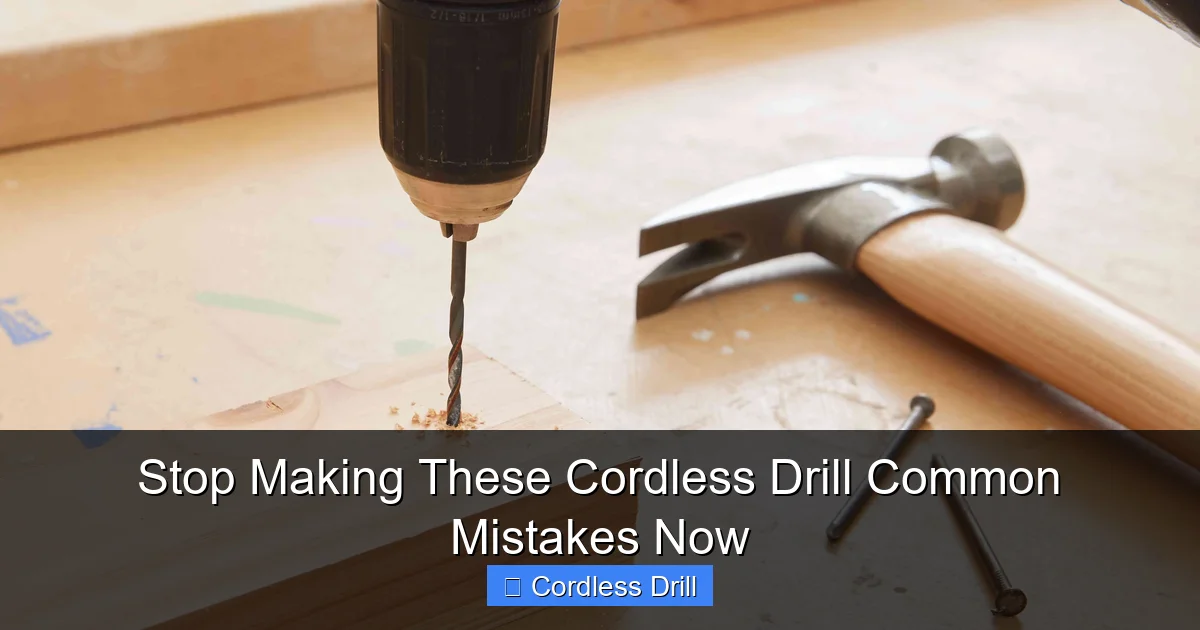
Visual guide about Stop Making These Cordless Drill Common Mistakes Now
Image source: thespruce.com
Draining It to Zero
Unlike old batteries, you should not fully drain a lithium-ion pack. Deep discharges stress the cells. Try to recharge when the battery has one bar left.
Storing in Extreme Temperatures
Leaving your drill in a freezing garage or a scorching hot car trunk kills battery capacity. Store batteries in a cool, dry place, ideally at room temperature.
Using the Wrong Charger
Always use the charger that came with your drill/battery kit. Mismatched chargers can overcharge or undercharge, leading to poor performance or even a fire risk.
The Fix: Adopt the 20-80 rule when possible (charge at 20%, stop at 80% for storage). Store batteries indoors. Use only manufacturer-approved chargers.
Mistake #3: Forcing the Drill & Ignoring Speed
Muscling the drill is a sign something’s wrong. A sharp bit and the right setting should do 90% of the work.

Visual guide about Stop Making These Cordless Drill Common Mistakes Now
Image source: cisometric.com
Pushing Too Hard
Excessive pressure causes friction, heat, and bit breakage. It also bends bits, leading to oval-shaped holes. It strains the drill’s motor and gears.
Using a Single Speed for Everything
High speed (high RPM) is for small drill bits in wood or driving screws. Low speed (high torque) is for large drill bits, driving big screws, or using hole saws. Using high speed with a large bit will burn the wood and stall the drill.
The Fix: Let the tool work. Apply steady, moderate pressure. Use high speed for small bits/screws, low speed for large bits and high-torque tasks. If the drill struggles, stop; you may need a sharper bit, a pilot hole, or the correct tool.
Mistake #4: Ignoring the Clutch Settings
The numbered collar near the chuck isn’t a mystery dial. It’s a precision tool called the torque clutch.
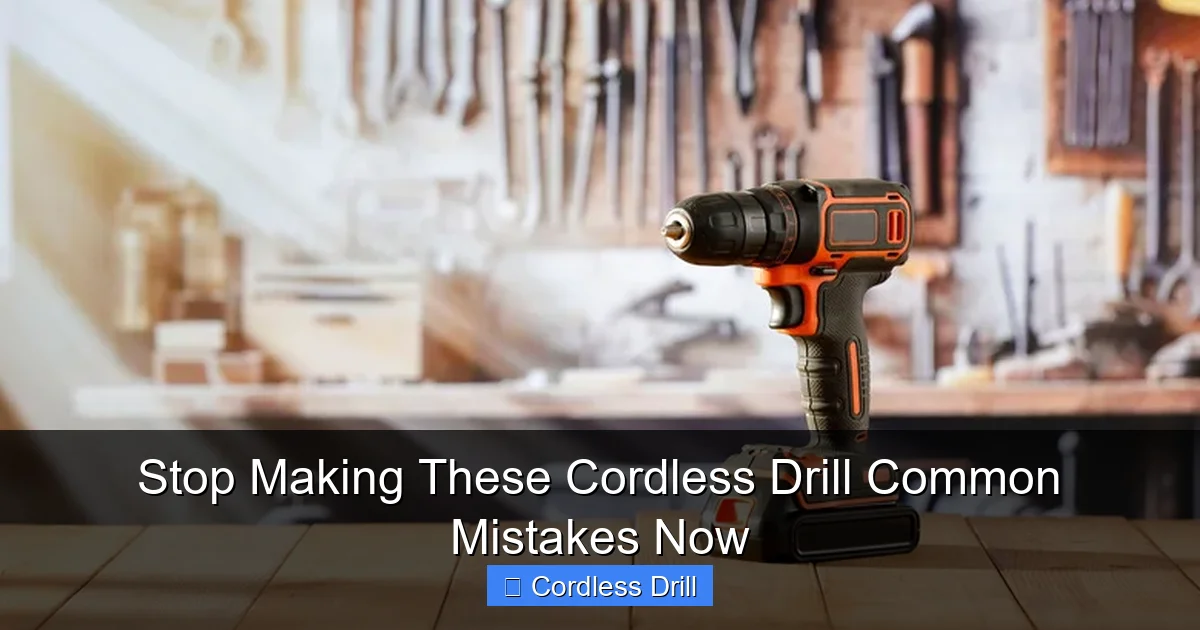
Visual guide about Stop Making These Cordless Drill Common Mistakes Now
Image source: housedigest.com
Its job is to disengage the motor once a certain resistance is met. This is crucial for driving screws. Set it too high, and you’ll drive the screw right through the material or strip its head. Set it too low, and the clutch will click before the screw is flush.
The Fix: Start with a low clutch setting. Drive a test screw. If it stops before sinking, increase the clutch number slightly and try again. Repeat until the screw is driven perfectly flush. Use a low setting for delicate materials like drywall or assembling electronics. For drilling (not driving), always set the clutch to the drill icon, which bypasses the clutch entirely.
Mistake #5: Skipping the Pilot Hole
Driving a screw directly into hardwood or near the edge of any wood is asking for trouble. The wood can split, or the screw can veer off course.
A pilot hole is a small-diameter guide hole that removes material, allowing the screw’s threads to bite without splitting the wood. For hard materials like metal, a pilot hole (often with a specialized metal bit) is absolutely mandatory.
The Fix: Always drill a pilot hole when: working with hardwoods, driving screws near the end of a board, using large-diameter screws, or working with metal. The pilot hole should be slightly smaller than the screw’s core (the solid part, not the threads).
Mistake #6: Using Dull or Wrong Bits
A bit is a consumable. Using a dull wood bit is like trying to cut a tomato with a butter knife.
Signs of a Dull Bit
It requires a lot of pressure, produces fine dust instead of chips (in wood), smokes or burns the material, and makes a high-pitched squealing sound.
Using the Wrong Bit Type
Wood bits have a sharp, spade-like point. Masonry bits have a carbide tip. Metal bits have a sharper, more defined angle. Using a wood bit on metal will dull it instantly. Using a masonry bit without hammer mode on concrete is futile.
The Fix: Invest in a quality bit set. Learn to identify when a bit is dull and replace it. Match the bit to the material. For expert tips on bit selection and technique, our guide on how to use a drill for screws into a wall is a great resource.
Mistake #7: Poor Workpiece Security & Chuck Care
If your material moves or your bit slips, you’re in for a bad result or an injury.
Not Clamping Your Work
Holding wood with your hand while drilling is dangerous. The bit can catch and spin the workpiece violently. Always use clamps or a vise to secure the material.
Not Tightening the Chuck Correctly
A loose bit spins inside the chuck, grinding away the shank and ruining its grip. For a keyless chuck, grip the collar firmly and twist until it’s very tight. Don’t just use your fingertips.
The Fix: Make clamping a non-negotiable step. Develop a habit of giving the chuck a final, firm tighten by hand before you start drilling. Check it periodically during heavy use.
Troubleshooting: Quick Fixes for Common Problems
Problem: Drill bit keeps walking/skating on metal or a hard surface.
Solution: Use a center punch to make a small dent for the bit to start in. This is essential for metal.
Problem: Screw head strips constantly.
Solution: 1) Ensure you’re using the correct driver bit (e.g., PH2 for a #8 screw). 2) Use more downward pressure to keep the bit fully engaged. 3) Lower your clutch setting.
Problem: Drill slows down and smells like hot electronics.
Solution: STOP IMMEDIATELY. You are overloading the drill. Let it cool down completely. You are likely using too large a bit, too high a speed, or too much force. Re-assess your bit, speed, and technique.
Conclusion: Drill Smarter, Not Harder
Mastering your cordless drill isn’t about brute strength. It’s about finesse, knowledge, and avoiding these simple pitfalls. By choosing the right tool and mode, caring for your battery, letting the tool work at the correct speed, using the clutch, drilling pilot holes, using sharp bits, and securing your work, you’ll transform your experience.
Your projects will look better, your tools will last longer, and you’ll finish faster. Remember, the best tool for any job is the one you know how to use properly. Now that you’re equipped with this knowledge, you’re ready to tackle your next project with confidence. For those looking to upgrade their toolkit, be sure to explore our curated list of the best cordless drills on the market.
🎥 Related Video: Are You Using Your Drill WRONG?
📺 The Handy HomeOwner
This video demonstrates how the pros insert a drill bit into a cordless drill. Avoid the common time consuming way and learn the …
