
Learn exactly how your hammer drill clutch works and stop ruining materials. This guide breaks down clutch settings into simple steps anyone can follow. You’ll discover the right torque for every material and avoid costly mistakes forever.
Key Takeaways
- Clutch settings prevent stripping: The clutch stops your drill when it hits a preset torque level, protecting screws and surfaces.
- Lower numbers mean less torque: Settings 1-5 work for delicate materials like drywall or soft woods.
- Higher numbers handle tough jobs: Settings 15-20 drive large screws into hardwood or masonry without problems.
- Test on scrap material first: Always try your setting on a test piece before starting the real job.
- Hammer mode is separate: Use hammer mode only for masonry; clutch works the same in regular drill mode.
- Maintenance matters: Clean your clutch mechanism yearly to keep it accurate and reliable.
- Start low and adjust up: Begin with a low setting and increase gradually until you get perfect results.
Your Hammer Drill Clutch Is a Hidden Superpower
That little numbered collar behind your drill chuck? It’s not just another dial. It’s your secret weapon against stripped screws, ruined walls, and wasted time. Most DIYers crank it to max and hope for the best. That’s like using a sledgehammer to hang a picture frame.
In this guide, you’ll learn exactly how to set your hammer drill clutch for perfect results every single time. We’ll cover everything from basic mechanics to pro-level tricks. By the end, you’ll save money on replacement materials and finish projects in half the time.
How Hammer Drill Clutches Actually Work
Think of your drill clutch as a mechanical governor. It’s like the governor on an old tractor engine that stops it from going too fast. When your drill meets resistance, the clutch kicks in and stops the motor from turning the bit any further.
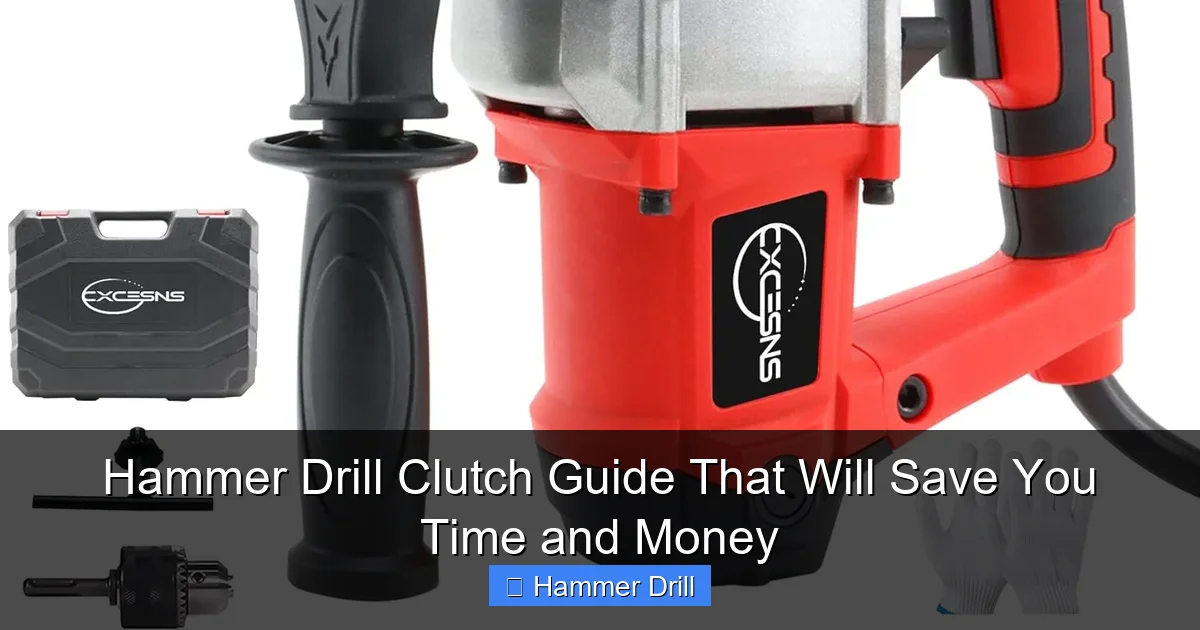
Visual guide about Hammer Drill Clutch Guide That Will Save You Time and Money
Image source: m.media-amazon.com
The Simple Mechanics Behind It
Inside that metal collar, you’ll find a spring-loaded mechanism with a series of notches or teeth. As torque builds up, the spring compresses. When the force exceeds your preset setting, the clutch “slips” and disengages the motor for a split second. You’ll hear a distinct clicking sound.
This click tells you two things: the screw is set properly, and your drill is protecting itself from damage. The whole process happens in milliseconds, faster than your reflexes could react.
Why Your Drill Has Both Clutch and Hammer Settings
Many people confuse the clutch with the hammer function. They’re completely different systems. The hammer function pounds the bit forward for drilling into concrete and brick. The clutch controls rotational torque for driving screws. You can use the clutch in regular drill mode, and it works exactly the same way.
If you want to understand the full difference between these tools, check out our guide on drill vs hammer drill to make sure you’re using the right tool for the job.
Understanding Your Clutch Settings Number by Number
Most hammer drills have 15-25 clutch settings. Some have infinite adjustment via a dial. Here’s what those numbers really mean:
Visual guide about Hammer Drill Clutch Guide That Will Save You Time and Money
Image source: i.ytimg.com
Low Range: Settings 1-5
These are your delicate operation settings. Use them for:
- Drywall screws into studs
- Softwoods like pine or cedar
- Plastic anchors
- Thin metal sheets
At these settings, your clutch will slip with minimal resistance. Perfect for when you don’t want to sink a screw too deep or strip the head.
Medium Range: Settings 6-12
This is your everyday workhorse zone. Most general construction tasks live here:
- Deck screws into pressure-treated lumber
- Framing into softwood studs
- Building furniture
- Hanging cabinets
Start in the middle of this range and adjust based on how the screw feels going in.
High Range: Settings 13-20+
When you need serious driving power, these settings deliver:
- Large lag bolts into hardwood
- Driving screws into concrete (with proper bit)
- Metal studs
- Pressure-treated lumber with dense grain
Some drills go beyond 20. If you see a “MAX” marking, that’s your no-clutch setting. The drill won’t slip until it’s truly maxed out.
The Markings on Your Drill
Many modern drills have symbols instead of just numbers. A small drill bit icon means pure drilling mode with no clutch intervention. A screw icon means clutch is active. Some drills even have pictograms showing wood, metal, and concrete recommendations.
Step-by-Step: Setting Your Hammer Drill Clutch Perfectly Every Time
Follow these steps on your next project. You’ll get it right on the first try.
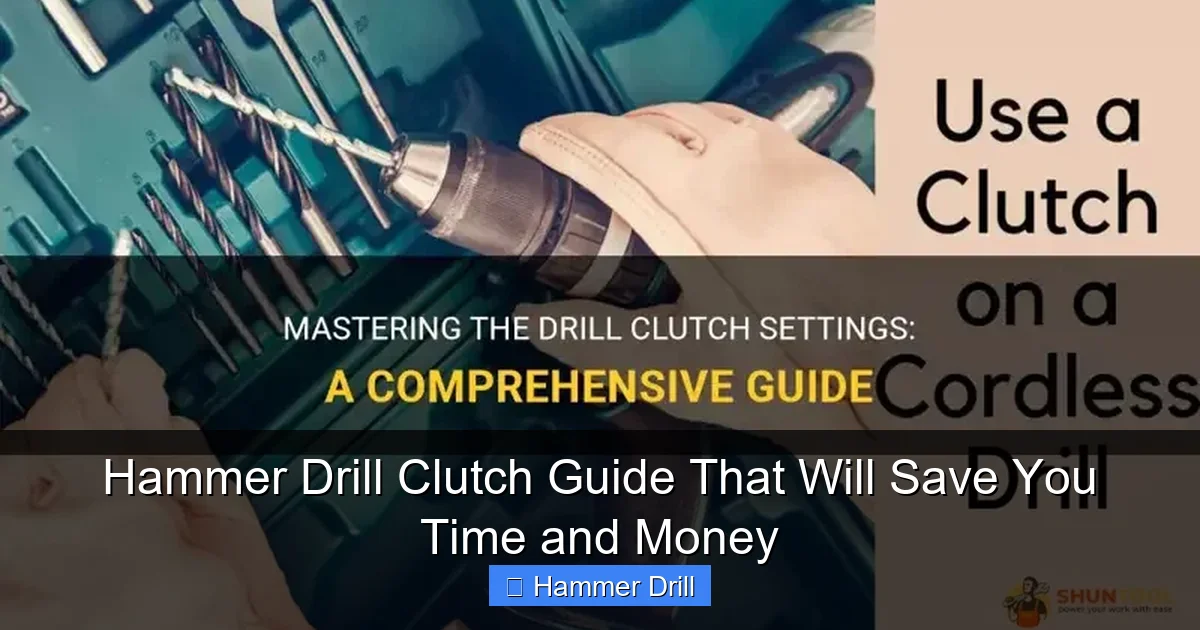
Visual guide about Hammer Drill Clutch Guide That Will Save You Time and Money
Image source: shuntool.com
Step 1: Identify Your Material and Screw Size
Look at what you’re attaching and what screw you’re using. A #8 screw into pine needs a much lower setting than a 3/8″ lag bolt into oak. Check the screw packaging too. Many manufacturers list recommended torque settings right on the box.
Step 2: Choose Your Starting Point
Here’s a quick reference chart:
- #6-8 screw into softwood: Start at 3-5
- #8-10 screw into hardwood: Start at 8-10
- 1/4″ lag bolt: Start at 12-15
- 3/8″ lag bolt: Start at 15-18
- Metal studs: Start at 4-6
When in doubt, start lower than you think you need. You can always go up.
Step 3: Test on Scrap Material
This step separates pros from amateurs. Grab a scrap piece of your material and a test screw. Drive the screw in halfway. If it strips immediately, drop down 2-3 settings. If it goes in too easily and won’t hold, bump up 2-3 settings.
Perfect setting means the screw sits flush with the surface and feels tight when you try to turn it by hand afterward.
Step 4: Fine-Tune on Your First Real Screw
Now drive your first actual screw. Listen for that clutch click. If the screw sits perfectly flush, you’re golden. If it’s slightly proud (sticking out), drop one setting. If it’s buried too deep, raise one setting.
Most quality drills click audibly when the clutch engages. That sound is your confirmation that the setting is working.
Step 5: Mark Your Successful Settings
Keep a small notebook or use your phone to note successful combinations. “Pine studs with #8 screws = setting 4” saves you time on the next project. Many pros use a piece of tape on the clutch collar to mark their most-used settings.
Practical Tips That Save You Hours
These tricks come from years of professional carpentry and DIY experience.
Start Low and Go Slow Philosophy
It’s human nature to think “more power = better.” That’s wrong with clutch settings. Starting low prevents stripped holes and ruined materials. You can always increase torque, but you can’t un-strip a hole.
I once watched a contractor strip 20 studs because he started at setting 15 for drywall screws. Starting at 3 would have saved him an hour of repairs.
Use the Right Bit for the Job
Your clutch setting depends heavily on your bit. A worn-out bit will slip in the screw head before the clutch engages, making your settings feel off. Always use a sharp, properly sized bit.
For Phillips heads, use a real #2 Phillips bit, not a cheap multi-bit driver. For square drive screws, match the bit exactly to the screw size. A loose bit connection adds slop that makes clutch settings unpredictable.
Keep Your Clutch Clean
Dust and debris love to invade the clutch mechanism. Every few months, remove the chuck and blow out the clutch area with compressed air. A clogged clutch can stick and become inaccurate.
Some drills have a removable clutch cover. If yours does, take it off and check for metal shavings. These can jam the mechanism and cause inconsistent performance.
Understand Your Drill’s Personality
Every drill has slight variations. My Makita clicks at 2 inch-pounds at setting 3, while my DeWalt needs setting 5 for the same torque. Get to know how your specific drill behaves. Borrow a torque gauge from a friend or buy a cheap one online to calibrate your ear.
Combine Modes Correctly
For masonry work, you’ll use hammer mode. The clutch still works in hammer mode. Set it just like you would for wood. The hammer action helps drill the hole, while the clutch controls how deep you drive the screw or anchor.
Never use hammer mode for regular screw driving in wood. The hammering action can split your material and damage the screw.
Troubleshooting Common Clutch Problems
Even the best drills can act up. Here’s how to fix the most common issues.
Clutch Slips Too Early
If your clutch clicks before the screw is flush, you have three possible causes:
- Wrong setting: You’re simply on too low a number. Bump up 2-3 settings.
- Worn clutch plates: Over time, the internal friction plates wear down. This is a repair job for a service center.
- Loose chuck: A chuck that’s not fully tightened can slip. Remove the chuck, clean the threads, and reinstall it tightly.
Start with the simple stuff. Check your setting first, then inspect the chuck.
Clutch Never Engages
If you never hear clicking and screws keep stripping, check these:
- You’re in drill mode: Make sure the mode selector is on “drive” or “screw” mode, not pure drill mode.
- Clutch collar is stuck: Sometimes the adjustment collar seizes. Work it back and forth with firm pressure to free it up.
- Internal failure: If the clutch mechanism breaks, you’ll need professional repair or a new drill.
Try setting 20 and driving a screw. If it still doesn’t click, you have a mechanical issue.
Stripping Screws Despite Correct Settings
If you’re stripping screws even with proper clutch settings, the problem is likely your bit or technique:
- Your bit is worn and no longer grips the screw head
- You’re not holding the drill perfectly perpendicular to the surface
- The screw is low quality and has a weak head
Hold the drill straight and apply steady, firm pressure. Let the clutch do its job. Don’t jerk the trigger or try to force it.
Overheating Clutch Mechanism
If your clutch area feels hot after driving many screws, you’re either:
- Using too low a setting and causing excessive slipping
- Driving too many screws too quickly without breaks
Give your drill a 5-minute rest every 50-100 screws. Use the correct setting to minimize clutch slippage. If it keeps overheating, have it serviced.
Advanced Techniques for Precision Work
Once you’ve mastered the basics, try these pro-level tricks.
Consistent Depth Without Measuring
Need all your screws to sit exactly the same depth? Set your clutch, then practice on scrap until you get the feel. The clutch click becomes your depth indicator. Once you hear it, stop immediately.
For cabinet installation, this technique ensures every screw is perfectly flush, giving you a professional finish every time.
Working with Different Screw Sizes
When driving a mix of screw sizes, work in batches. Set your clutch for the first size, drive all those screws, then change settings for the next size. Constantly adjusting slows you down and leads to mistakes.
Keep a cheat sheet taped to your drill bag with common combinations. This saves mental math on the job site.
Combining Hammer and Clutch for Masonry
When installing concrete anchors, use hammer mode to drill the hole, then switch to drive mode with the clutch set for final seating. Don’t try to do both at once. The hammer action makes screw driving difficult and inaccurate.
For Tapcon screws into concrete, start at setting 8-10. The concrete provides consistent resistance, so your clutch settings will be very repeatable.
Choosing the Right Hammer Drill for Your Needs
Not all hammer drills are created equal. If you’re in the market for a new one, consider these factors:
- Number of clutch settings: More settings give you finer control. Look for at least 15-20.
- Torque rating: Measured in inch-pounds. Higher ratings mean more power for tough jobs.
- Adjustable clutch: Some drills let you adjust the clutch tension independently of the numbered settings.
- Mode selector: Make sure it’s easy to switch between drill, hammer, and drive modes.
If you want to compare options, our guide to the best cordless drills covers top models with excellent clutch systems.
Conclusion: Stop Guessing, Start Setting
Your hammer drill clutch isn’t a mystery. It’s a precision tool that, when used correctly, saves you time, money, and frustration. The key is simple: start low, test first, and adjust based on results.
Remember that clicking sound? That’s your clutch working perfectly. Embrace it. Learn your drill’s personality. Keep it clean and maintained. Before long, you’ll be setting torque levels without even thinking about it.
Stop ruining materials and stripping screws. Take control of your projects with the right clutch setting every single time.
🎥 Related Video: Do You Need Drill and Impact Driver?
📺 Torque & Twisted
For most smaller DIY projects, a drill is what most people would need. Drill is great for drilling holes and setting smaller screws …
