
Is your hammer drill failing to hammer or losing power mid-job? This essential guide cuts through frustration with immediate, actionable fixes for the most critical issues—from jammed chucks and electrical faults to overheating—ensuring you diagnose problems fast and get back to drilling concrete safely. Master these troubleshooting steps to avoid costly downtime and perform critical safety checks that protect both your tool and your project.
Key Takeaways
- Verify power supply first: Check cords and outlets before assuming internal motor failure.
- Engage hammer mode correctly: Confirm hammer function is active for masonry, not just standard drilling.
- Replace carbon brushes regularly: Inspect every 50-100 hours to prevent motor damage.
- Prevent overheating: Limit continuous use to 30 seconds; allow 5-minute cooling breaks.
- Use proper SDS bits: Match bit type to chuck and ensure sharpness for efficient drilling.
- Reduce excessive vibration: Tighten bits and inspect for worn bearings or loose parts.
- Maintain air vents: Clean dust monthly to prevent overheating and extend motor life.
Why This Matters / Understanding the Problem
You’re standing there, ready to drill into concrete. Your hammer drill won’t start. Or worse, it starts but that hammer action—the whole reason you bought this tool—sounds dead. Nothing kills a project faster.
I’ve been there. Sweaty palms, deadline breathing down your neck, and a wall that won’t cooperate. Most hammer drill issues aren’t serious. They’re simple fixes you can handle in minutes. But you need to know where to look.
This hammer drill troubleshooting guide walks you through every common problem. We’ll start with the easy stuff and work our way deeper. No technical jargon. Just real fixes from real experience.
What You Need
Grab these items before we start. Keep them handy.
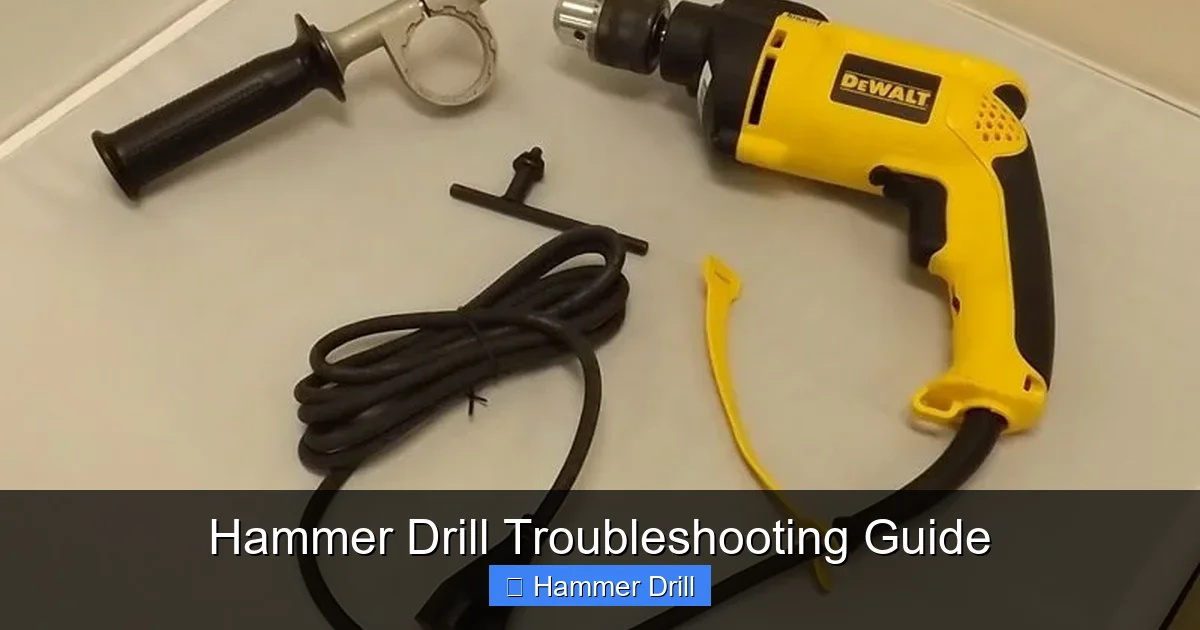
Visual guide about Hammer Drill Troubleshooting Guide
Image source: guide-images.cdn.ifixit.com
- A small Phillips and flathead screwdriver
- Wire brush or old toothbrush
- Compressed air can (optional but helpful)
- Clean rag
- Multimeter (for testing electrical issues)
- Replacement brushes (check your manual for part numbers)
- Safety glasses and gloves
That’s it. Most of this lives in your garage already. Safety glasses are non-negotiable though. Those bits love to throw debris.
Step-by-Step Guide to Hammer Drill Troubleshooting Guide
Step 1: Safety First – Unplug and Inspect
Always unplug your drill first. Seriously. Even cordless ones. Remove the battery. We’re not playing around here.
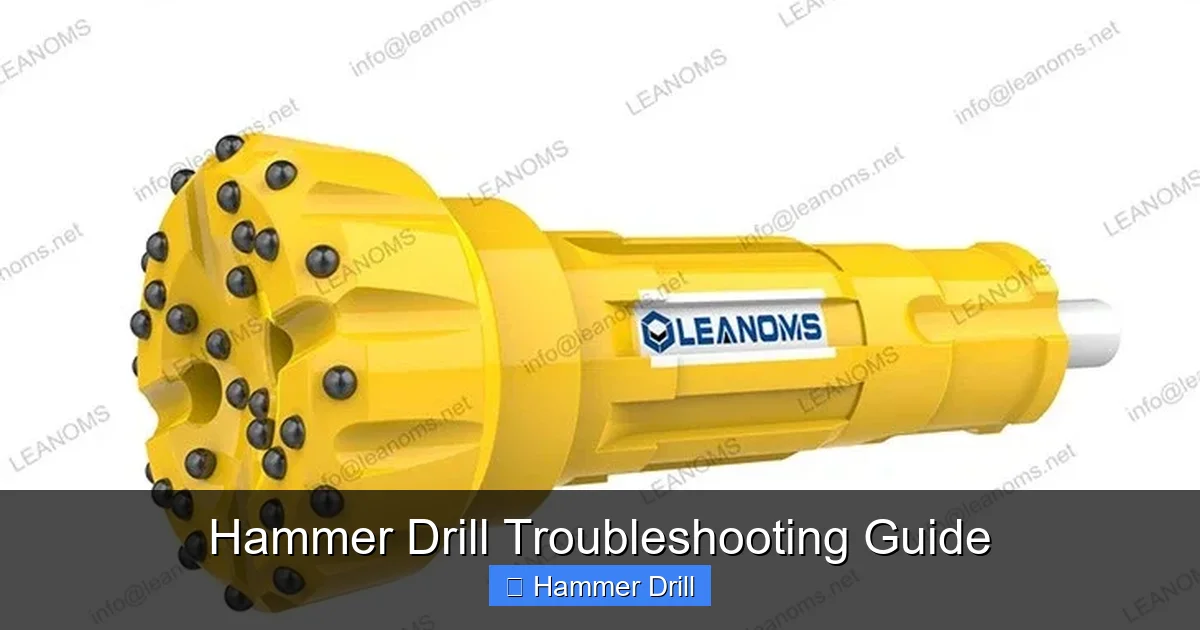
Visual guide about Hammer Drill Troubleshooting Guide
Image source: leanomsdrill.com
Look at the tool with your eyes. Check for cracks in the housing. Look for loose wires hanging out. Smell it. A burning odor means we have bigger problems. If you see major damage or smell ozone, stop. This needs a pro.
But if it just looks dirty and tired, we can fix it. Wipe down the exterior with a damp rag. Dust and grime can hide problems and cause overheating.
Step 2: Check the Obvious – Power Source Issues
Corded drill? Check the outlet. Plug in a lamp or phone charger. Does it work? If not, reset the breaker. Check your extension cord too. A damaged cord kills power flow.
Cordless drill? Charge the battery. Wait, did you charge it overnight? Good. Now check the contacts. Those metal plates on the battery and tool get dirty. Wipe them with a clean rag. Sometimes they need a gentle scrub with the wire brush.
Still nothing? Try another battery if you have one. This tells us if it’s the battery or the drill. Many people blame the tool when it’s just a tired battery.
Step 3: Examine the Chuck and Bit
The chuck is that spinning sleeve that holds your bit. It gets loose. It gets stuck. It gets angry.
Remove the bit. Just twist the chuck counterclockwise. If it’s stuck, use the chuck key or a hex wrench. Don’t force it. Tap the chuck gently with a rubber mallet if needed.
Once the bit is out, look inside. See debris? Bits break. Concrete dust piles up. This gunk jams the mechanism. Blow it out with compressed air. Or use the wire brush to clean it manually.
Check the bit itself. Is it bent? Worn down? A bad bit makes the drill work harder. That causes overheating and failure. Replace it if it’s damaged.
Step 4: Test Hammer Function vs. Regular Drill Mode
Most hammer drills have a switch. One mode is regular drilling. The other is hammer plus drill. Some have hammer only.
Switch between modes. Listen. Feel the click. Does it engage smoothly? Or does it grind?
Try drilling in regular mode first. Does it spin? Good. Now switch to hammer mode. You should hear a clicking or rattling sound. That’s the hammer mechanism hitting the bit. No sound? The hammer mechanism is the problem.
Understanding this difference helps. If regular mode works but hammer doesn’t, we know the motor is fine. The issue lives in the hammer assembly. This guide explains the difference between a drill and a hammer drill in more detail if you’re curious about how these modes actually work.
Step 5: Listen for Unusual Noises
Turn the drill on without a bit. Just let it run. Listen carefully.
Grinding? That’s bad. Could be gears stripped or bearings failing. Squealing? Belts or bushings need attention. Clicking but no hammer action? The clutch might be slipping.
Each noise tells a story. A healthy hammer drill in hammer mode sounds like a woodpecker on caffeine. Rapid fire clicks. If it’s more like a dying chicken, something’s wrong.
Don’t ignore strange sounds. They get worse. And more expensive to fix.
Step 6: Check for Overheating and Smell
Run the drill for 30 seconds. Touch the housing. Is it too hot to hold? That’s overheating.
Overheating means the motor is straining. Why? Clogged vents. The motor needs air to cool down. Find the vents—usually on the sides or front. Clean them with the wire brush. Blow out dust with compressed air.
Smell matters too. A hot, electrical smell means the motor windings are burning. Stop immediately. This is a professional repair job. Continuing will destroy the motor completely.
Step 7: Inspect Brushes and Motor
Most drills have carbon brushes. These little blocks touch the motor’s spinning part. They wear down over time.
Find the brush housing. It’s usually on the sides or front of the motor. Remove the caps with a screwdriver. Pull out the brushes. Measure them. If they’re shorter than a quarter inch, replace them. They’re cheap—usually under $10.
While you’re there, look at the motor commutator. That’s the copper part the brushes touch. Is it black and burnt? Use the wire brush to clean it gently. Don’t scrub hard. You’ll damage the surface.
Worn brushes cause weak power and sparking. Replacing them often brings a dead drill back to life.
Step 8: Test the Trigger and Switch
The trigger is what you pull to make it go. It has a variable speed control. Sometimes it fails.
Remove the housing screws. Open the drill carefully. Find the trigger assembly. Look for loose wires. Check for burnt contacts. Use the multimeter to test for continuity.
If the trigger feels mushy or doesn’t click back, it’s worn out. Replacement triggers are available. They’re not hard to install. Just take pictures as you remove the old one. This helps with reassembly.
The mode switch needs checking too. Wiggle it. Listen for crackling sounds. That means internal arcing. The switch is failing.
Step 9: Examine the Hammer Mechanism
This is the heart of a hammer drill. It’s usually a set of interlocking gears called “hammer bearings” or “drutch mechanisms.”
To access it, you’ll need to remove the chuck and possibly the gear housing. Check your manual for specific steps. Every drill is different.
Look for broken teeth on the gears. Check the hammer clutch plates. These are usually made of metal or composite material. They wear down. They crack. Replace them if damaged.
Apply fresh grease. Old grease turns hard and crusty. It gums up the mechanism. Clean out the old grease with a rag. Apply new, high-temperature grease. Don’t overdo it. A thin layer is enough.
Understanding what makes a hammer drill different from an impact driver helps here. The hammer mechanism creates a forward pounding action, while an impact driver uses rotational force. This is why cleaning and greasing the hammer assembly is so critical for concrete work.
Step 10: When to Call a Professional
Some problems need a pro. Don’t risk it.
If the motor is burnt out, you’ll smell it. If gears are stripped beyond replacement, you need a new gear set. If the housing is cracked, it’s unsafe to use.
Consider the drill’s cost. A $50 drill might not be worth a $40 repair. But a $200 pro model often is. Use your judgment.
Most importantly, if you’re uncomfortable opening the tool, stop. Electricity and complex mechanisms can hurt you. There’s no shame in taking it to a repair shop.
Pro Tips & Common Mistakes to Avoid
Pro Tip: Always use the right bit for the material. Masonry bits for concrete. Wood bits for wood. Using the wrong bit strains the hammer mechanism. I learned this the hard way when I stripped the gears trying to drill wood with a masonry bit. The hammer action just pounds the wrong bit to death.
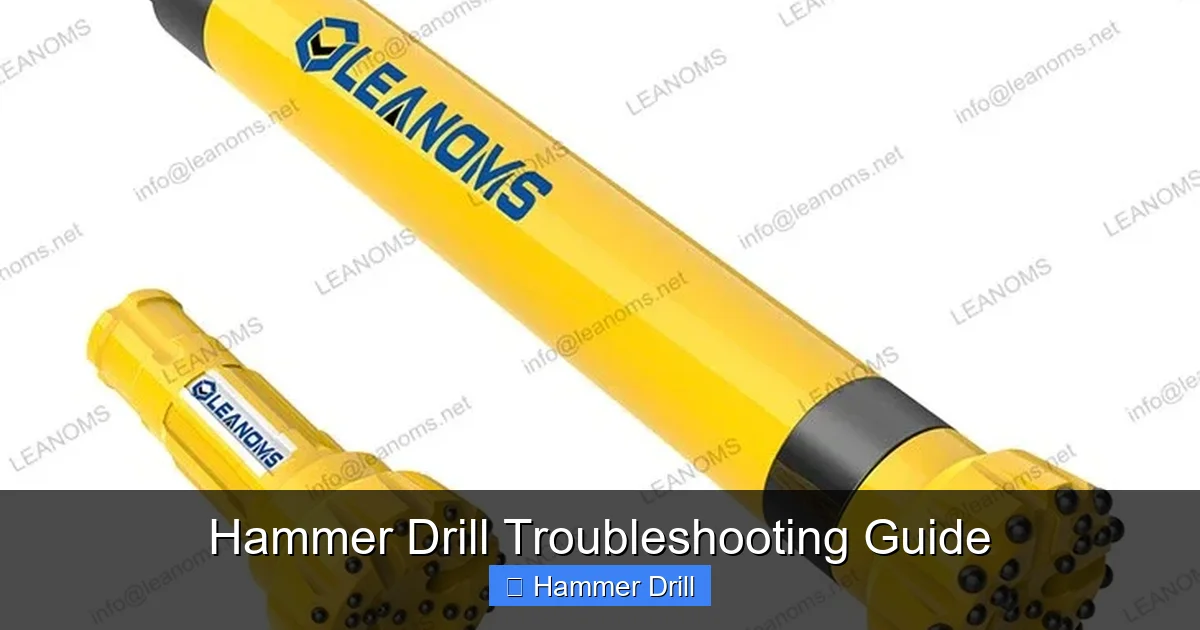
Visual guide about Hammer Drill Troubleshooting Guide
Image source: leanomsdrill.com
Warning: Never force the drill into the material. Let the tool do the work. Pushing hard causes overheating and damages the hammer mechanism. Apply steady, moderate pressure. Think of it like a hammer hitting a chisel—short, controlled motions.
One mistake I see constantly? People forget to clean the vents. They store the drill in a dusty job box. The next time they use it, it overheats in minutes. Make it a habit. Clean vents after every use.
Another error: mixing up modes. Don’t use hammer mode on wood or metal. The hammer action will splinter wood and ruin metal. Use regular drill mode. Save hammer for concrete and brick only.
Keep a maintenance log. Note when you cleaned it, replaced brushes, or fixed issues. This helps spot patterns. Your drill will last years longer.
This guide on using a drill for screws into a wall covers proper technique that also applies to hammer drilling—especially the importance of steady pressure and correct bit selection.
FAQs About Hammer Drill Troubleshooting Guide
Q: My hammer drill spins but doesn’t hammer. What’s wrong?
A: This is the most common issue. Usually the hammer mechanism is jammed with debris or the clutch plates are worn. Remove the chuck and clean out concrete dust. Check the mode switch too. Sometimes it’s not fully engaged.
Q: How often should I replace the carbon brushes?
A: Check them every 50 hours of use. If you’re a weekend warrior, that’s about once a year. Pros should check monthly. Worn brushes cause weak performance and can damage the motor.
Q: Can I use my regular drill bits in hammer mode?
A: No. Never. Regular bits aren’t designed for the hammer action. They’ll shatter or snap. Use only masonry bits with carbide tips in hammer mode. The carbide tip absorbs the impact without breaking.
Q: My cordless hammer drill loses power halfway through a job. Why?
A: Cold batteries lose power. Keep spare batteries warm in your pocket. Also, check the battery contacts for corrosion. Dirty contacts cause voltage drop. Clean them with the wire brush.
Q: Is it normal for the drill to get hot?
A: Yes, but only warm to the touch. If you can’t hold it for more than 5 seconds, it’s overheating. Stop using it. Clean the vents. Let it cool for 30 minutes. If it keeps happening, the motor is failing.
Q: How do I know if my hammer drill is broken beyond repair?
A: Three signs: burning smell that won’t go away, grinding noises that get worse, and visible damage to the motor housing. At that point, replacement makes more sense than repair.
Q: Should I oil my hammer drill?
A: No. Never use oil. Oil attracts dust and turns to sludge. Use only high-temperature grease on the hammer mechanism. And use it sparingly. Too much grease traps debris.
🎥 Related Video: Bosch GBH 220 Hammer Drill doesn't work #tools #bosch #change
📺 CMC DIY
In this video, I’ll show you why the hammer function on this Bosch drill is no longer working. I’ve decided not to invest in repairing …
Final Thoughts
A hammer drill is a simple tool. It has one job: spin and hammer. When it fails, the problem is almost always simple too. Debris, worn parts, or user error.
Use this hammer drill troubleshooting guide as your first stop. Check power, clean the chuck, inspect brushes. Most issues live in these areas. Don’t jump to conclusions. Work through the steps methodically.
Remember, maintenance prevents 80% of problems. Clean your drill after each use. Store it in a dry place. Replace worn bits and brushes before they cause damage.
Your hammer drill is an investment. Treat it right, and it will drill through concrete for years. Ignore it, and you’ll be shopping for a new one by next season.
Got a specific problem not covered here? Drop a comment. I’ll help you figure it out. Happy drilling.
