
Keeping your cordless drill in top shape is easier than you think. This guide provides simple, step-by-step maintenance tips to ensure peak performance and longevity. You’ll learn how to properly clean, care for the battery, maintain the chuck, and store your tool. Regular maintenance prevents costly repairs and keeps your DIY projects on track.
Key Takeaways
- Clean After Every Use: Wiping down the drill and blowing out vents prevents dust buildup that can damage the motor and electronics.
- Battery Care is Crucial: Avoid full discharges, store batteries at room temperature, and use the correct charger to maximize their lifespan.
- Maintain the Chuck: Regularly clean and lubricate the chuck to ensure a tight grip on bits and prevent wobble or slippage.
- Proper Storage Matters: Store your drill and batteries in a dry, climate-controlled place, preferably in a case, to protect them from moisture and physical damage.
- Inspect Regularly: Frequently check the power cord/charger, housing for cracks, and brushes (if accessible) for signs of wear or damage.
- Use the Right Accessories: Always use sharp, high-quality drill bits that match your drill’s chuck type to reduce strain on the motor and gearbox.
Essential Cordless Drill Maintenance Tips To Keep It Running
Your cordless drill is a trusty sidekick for countless projects. But like any hardworking tool, it needs a little TLC to perform its best. Neglecting basic maintenance can lead to poor performance, frustrating breakdowns, and an early trip to the landfill. The good news? With a few simple habits, you can keep your drill running smoothly for years. This guide will walk you through every step, from daily cleaning to seasonal checks, ensuring your tool is always ready for action. Whether you’re a weekend warrior or a seasoned pro, these tips will save you time and money.
Your Post-Project Cleaning Routine
This is the single most important habit you can build. Dust, wood shavings, and metal filings are your drill’s worst enemies.
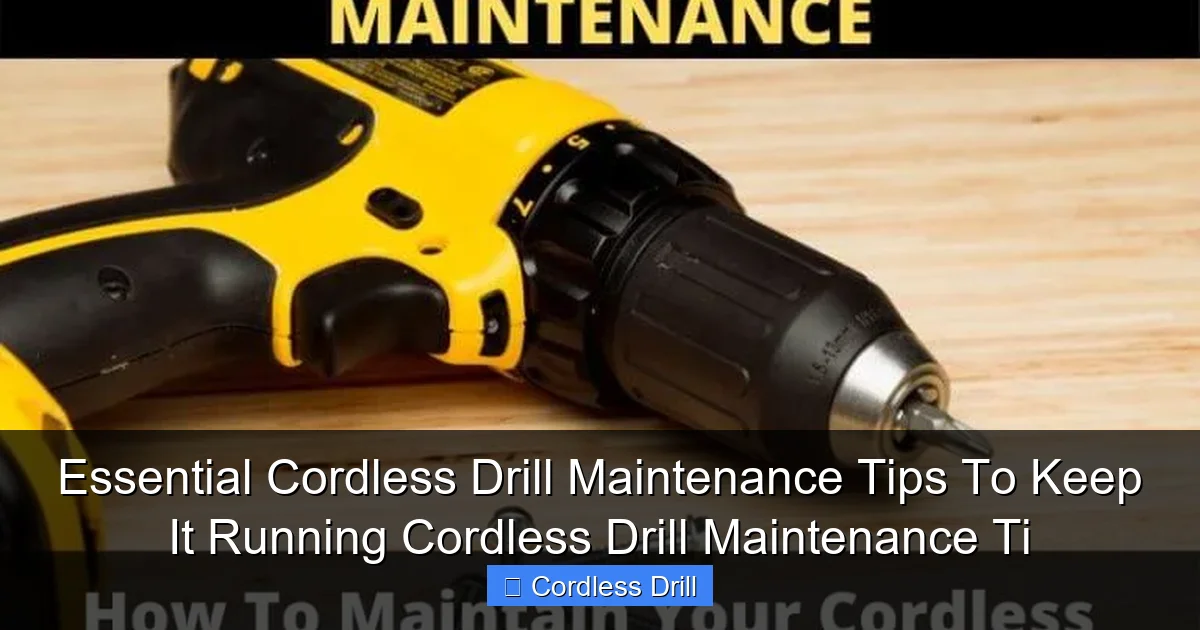
Visual guide about Essential Cordless Drill Maintenance Tips To Keep It Running Cordless Drill Maintenance Ti
Image source: toolsowner.com
Gather Your Supplies
You don’t need fancy gear. Grab a soft cloth, a small brush (an old toothbrush works great), a can of compressed air, and a drop of mild household cleaner.
Wipe Down the Exterior
Unplug the battery first! Dampen your cloth with a little cleaner and wipe the entire drill body. Focus on the handle, trigger, and gear housing. This removes grease and grime that can attract more dirt.
Blow Out the Vents
Locate the cooling vents, usually near the motor. Use short bursts of compressed air to blow dust out. Never use high-pressure air or push dirt further inside. This prevents the motor from overheating, a common cause of failure. For a deeper look at choosing a reliable model, consider our guide to the Best Cordless Drill options built to last.
Clean the Chuck and Bit
Open the chuck fully. Use your brush to sweep out debris from the jaws. Wipe off your drill bit before storing it. A clean chuck ensures a strong, non-slip grip.
Battery Care: The Heart of Cordless Power
Batteries are the most expensive part of your cordless system. Proper care can double or triple their life.
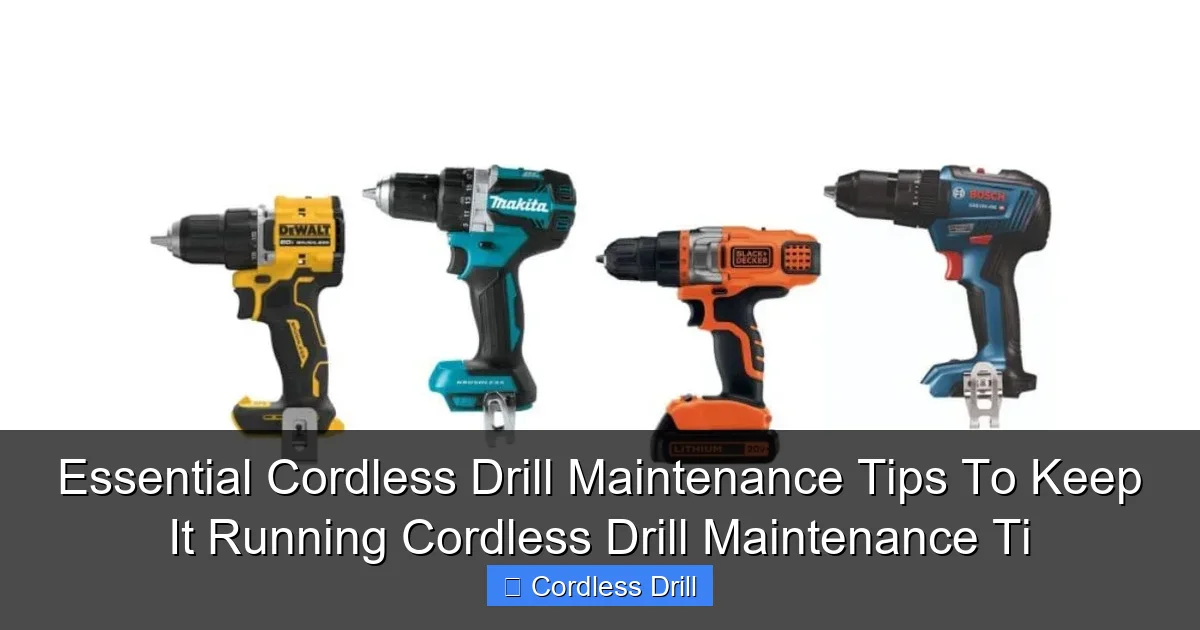
Visual guide about Essential Cordless Drill Maintenance Tips To Keep It Running Cordless Drill Maintenance Ti
Image source: toolreviewsninja.com
Avoid Deep Discharges
Modern lithium-ion batteries hate being run down to zero. Try to recharge them when you see one bar left on the indicator. Avoid storing them completely empty.
Master the Storage Charge
If you won’t use the drill for a month or more, store batteries with a 40-60% charge. A full charge for long periods stresses the cells, while an empty one can lead to a “deep discharge” where they won’t recharge at all.
Mind the Temperature
Never leave batteries in a hot car or freezing garage. Extreme heat accelerates aging, and extreme cold kills power output and can damage cells. Always store and charge at room temperature.
Use the Right Charger
Always use the manufacturer’s charger. Generic chargers may not regulate voltage correctly, leading to overcharging and reduced battery life.
Chuck Maintenance for Precision and Safety
A wobbly chuck ruins precision and is a safety hazard.
Visual guide about Essential Cordless Drill Maintenance Tips To Keep It Running Cordless Drill Maintenance Ti
Image source: toolreviewsninja.com
Regular Cleaning
As part of your post-use clean, make chuck cleaning a habit. Remove all bits and brush out the interior.
Lubrication (If Applicable)
Some chucks require a light machine oil on the threads. Check your manual. Apply one small drop and open/close the chuck a few times to work it in. Wipe away excess. Do not lubricate keyless chucks unless specified.
Check for Wear
Insert a bit and tighten the chuck. Gently try to wobble the bit. Any noticeable movement may mean the chuck jaws are worn and need replacement.
Smart Storage Solutions
Where and how you store your drill matters immensely.
Use a Case
The original case is ideal. It protects from dust, moisture, and accidental bumps. If you don’t have one, dedicate a clean, dry drawer or shelf in your toolbox.
Climate Control is Key
A damp basement or sweltering attic is a terrible place for tools. Store your drill in a dry, temperature-stable environment. This prevents rust and protects battery chemistry.
Remove the Battery
For long-term storage (over a week), remove the battery from the drill. This prevents any slow, parasitic drain from the tool’s electronics and is safer.
Periodic Inspection and Basic Troubleshooting
Every few months, give your drill a quick health check.
Visual Inspection
Look for cracks in the housing, especially near the chuck and battery port. Check the battery contacts on both the drill and battery for corrosion (a white or green crust). Clean gently with a pencil eraser if needed.
Listen and Feel
Run the drill with no load. Listen for unusual grinding, screeching, or whining sounds. Feel for excessive vibration. These can indicate worn gears or bearings.
Check the Brushes (On Brushed Motor Models)
Some drills have user-replaceable carbon brushes. Consult your manual. If they are worn down (less than 1/4 inch), replace them. Worn brushes cause loss of power and sparking.
Inspect Accessories
Bent or dull drill bits force your drill to work harder. Keep your bits sharp and organized. Using the right bit for the material is a form of tool care. For example, learn the proper technique in our guide on How To Use A Drill For Screws Into A Wall.
Troubleshooting Common Issues
Here’s how to diagnose simple problems before seeking professional repair.
Drill Won’t Start
First, check the obvious! Is the battery charged? Is it fully seated? Try a second battery if you have one. Check for a tripped thermal overload reset button (if your model has one).
Loss of Power or Speed
This is often a battery issue. Try a known-good battery. If problem persists, it could be worn motor brushes (in brushed drills) or a failing switch.
Chuck Won’t Tighten or Loosen
Debris is often the culprit. Clean the chuck thoroughly. For keyless chucks, you may need to lock the spindle and use strap wrenches to break it free. Avoid excessive force.
Unusual Noise or Smell
Stop using the drill immediately! A burning smell or grinding noise often indicates serious internal damage. Continuing to use it can turn a small repair into a complete write-off.
Conclusion: A Small Effort for a Long Partnership
Maintaining your cordless drill isn’t about complicated procedures or expensive tools. It’s about consistent, simple care. Spending five minutes cleaning it after a project, storing the battery correctly, and doing a quick inspection every season will pay huge dividends. You’ll enjoy reliable power, better performance, and the satisfaction of a tool that lasts. Your drill is an investment in your DIY capabilities and home. Protecting that investment is just smart. Remember, safety with all tools is paramount, especially when working at height. Always follow Essential Safety Tips For Climbing Ladders when your project requires it. Now, go give your drill a little love – it’s earned it!
🎥 Related Video: 5 Drill Features Everyone Should Know
📺 LRN2DIY
Do you know all of the features of your power drill? Let’s dive into each feature, when to use it and how to use it well. #powertool …
